Instagram DM Automation for Online Stores: Flows, AI Replies and Product Cards
What to automate in your Instagram DMs, how to set up welcome flows, keyword replies and an AI agent, and how the 24-hour reply window affects stores.
 WALoops team
calendar_month
schedule4 min read
WALoops team
calendar_month
schedule4 min read
In this guide
- Most Instagram DMs a store gets are the same ten questions: price, size, stock, delivery time, COD, returns, order status.
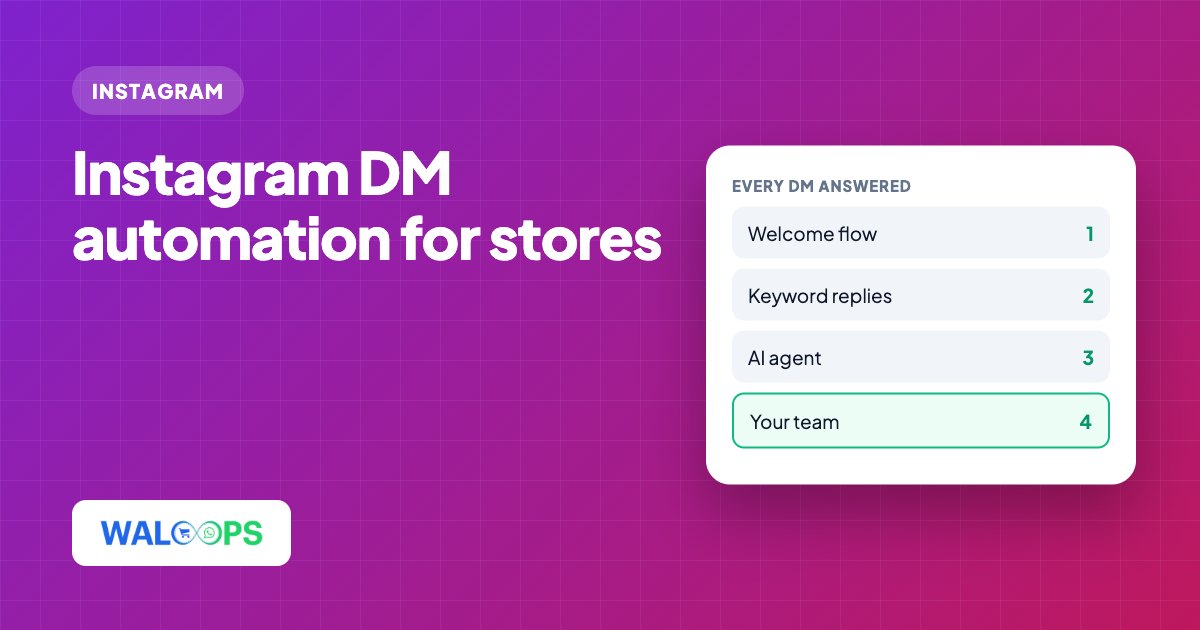
- Automate in layers: a welcome message for first DMs, keyword flows for fixed questions, and an AI agent for everything else, with a person behind it.
- Instagram allows replies for 24 hours after the customer's last message, so instant automated replies matter more than on any other channel.
- Send products, not just text: product cards and carousels with live prices turn a DM into a sale.
For many Indian D2C brands, Instagram DMs are the busiest sales channel and the least organised one. Questions come in at midnight, sit unread on someone's phone, and expire. Instagram DM automation fixes that without making the shop sound like a bot. This guide covers what to automate, how to set it up, and where to keep a person in the loop.
What Instagram DMs a store should automate
| Type of DM | Example | Best handled by |
|---|---|---|
| First message | "Hi" | Welcome flow with buttons |
| Fixed question | "COD available?", "return policy?" | Keyword flow |
| Product question | "Is the blue kurta in XL?" | AI agent that reads your catalogue |
| Story reply or mention | "Need this 😍" | An Auto-DM story rule: a thank-you, a link or a product card |
| Order problem or complaint | "Wrong size delivered" | A person, from the shared inbox |
Layer 1: a welcome flow
The first DM from a new follower is usually "hi" or a question with no context. A welcome flow answers instantly with a greeting and a few buttons, such as Shop new arrivals, Track my order and Talk to us. In WALoops, flows are built in the same drag-and-drop flow builder used for WhatsApp, with buttons, questions and conditions.
Layer 2: keyword flows for fixed answers
Questions with one correct answer shouldn't go to an AI or a person. Set a keyword flow for each:
- "cod" → your COD policy and any COD fee
- "return" / "exchange" → your return window and how to start one
- "delivery" → delivery times by region
- "size chart" → the size chart image
Fixed answers are fast, consistent and never wrong.
Layer 3: an AI agent for everything else
Product questions are too varied for keywords. An AI agent trained on your catalogue, policies and FAQs can answer "is this in XL?" or "which one is better for a wedding?" in seconds, in the customer's language, including Hinglish.
Two rules keep it safe:
- It answers only from your own data. If the answer isn't in your products or policies, it says so and passes the chat to your team.
- People handle money and problems. Refunds, damaged items and complaints always go to a person.
Send products, not paragraphs
A DM that says "it's ₹1,499, link in bio" loses buyers. A product card with the image, price, compare-at price and a buy button doesn't. In WALoops you can send:
- A product card for "how much is this?"
- A carousel of up to 10 products for "show me more colours"
- Text with a button for a direct link to the product or checkout
Prices and stock come live from your catalogue, so a card sent today never shows last month's price.
The 24-hour rule
Instagram lets a business reply for 24 hours after the customer's last message. After that, you can't message them until they write again. Three things follow:
- Reply fast. Automated replies go out in seconds, so the window is never a problem for them.
- Don't leave hand-offs overnight. If the AI agent passes a chat to your team at 11 pm, someone needs to reply the next day, not three days later.
- Move repeat buyers to WhatsApp. Order updates and later follow-ups belong on WhatsApp, where approved templates can reach customers any time.
Keep Instagram and WhatsApp in one inbox
Most stores answer customers on both Instagram and WhatsApp. When they live in two apps on two phones, chats get missed and customers repeat themselves. In the WALoops shared inbox, Instagram DMs, story replies and mentions sit next to WhatsApp chats, email and live chat. The whole team works from one list, and the same AI agent answers on every channel.
Getting started
- Switch your Instagram to a Business or Creator account if it isn't one already (free, in the Instagram app).
- In WALoops, open Instagram → Account and log in with Instagram.
- Build a welcome flow and three or four keyword flows for your fixed answers.
- Add your products, policies and FAQs to the AI agent and turn it on for Instagram.
- Add comment auto-reply so comments on your posts start DMs too, and a story rule so story replies and mentions get an instant DM.
All of this is part of WALoops Instagram automation. Comment and story auto-DMs start at ₹499 ($5) a month; DMs in the shared inbox, the AI agent and DM flows are on Premium. See Instagram pricing.