
BRW Booking Rental: WhatsApp Confirmations and Reminders
Confirm BRW rental bookings and remind customers about their booking times, pickup and drop-off places, and return schedule.
 WALoops team
calendar_month
schedule4 min read
In this guide
- WALoops can send booking updates for BRW, Booking Rental for WooCommerce by ovatheme.
- Messages include start and end times and, when known, pickup and drop-off places.
- Confirmation is sent after booking, the start reminder one day before, and the end reminder three hours before the booking ends.
- Enable the switches under Messages and save. They are OFF by default.
A rental booking is not only a date in a calendar. The customer may need to know when to collect an item, where to pick it up, and when and where to return it. For BRW rentals, a WhatsApp confirmation can place the booking schedule and known pickup and drop-off places in the same message. That is easier to check than scrolling back through email while making plans.
Why use WhatsApp for BRW rentals?
BRW, Booking Rental for WooCommerce by ovatheme, is used for rentals that can have pickup and drop-off places and times. A customer might reserve an item for an afternoon or a longer period. The store needs to communicate when the booking begins and ends, and the locations when they are known. WALoops reads the start and end date and time from BRW on each order item. For BRW, it also reads the pickup and return place.
The free WordPress plugin “WALoops Order Notifications, COD Verification & Abandoned Cart for WooCommerce”, version 1.0.9 or newer, connects WooCommerce to WALoops. When BRW is active, the booking message switches appear in the Messages section. Their default is OFF. You can decide which of the three messages to send and save the settings.
WhatsApp gives a customer a direct way to check a pickup time or return location. The messages cover a booking the customer has already made, so they are utility service messages, not marketing. A customer can reply STOP. Messages start from the WALoops WhatsApp number, or use the store's own WhatsApp Business number once it is connected. Customer replies arrive in the WALoops Inbox.
What each BRW message includes
Booking Confirmation is sent right after a booking is placed. The booking reminder comes one day before the start, and the end reminder comes three hours before the booking ends. Each message can help the customer prepare for the next part of the rental.
| Message | When it is sent | What it shows |
|---|---|---|
| Booking Confirmation | Right after a booking is placed | What was rented, start and end, payment, and known pickup and drop-off places |
| Booking Reminder | 1 day before the booking starts | What was rented, pickup time and place, and any amount still to pay |
| Booking End Reminder | 3 hours before the booking ends | What was rented, end time and known return place |
Times use the store's time zone. A time can appear as “Fri 12 Dec, 2:00 PM”. When a place is known, the place follows the time: “Starts: Fri 12 Dec, 2:00 PM at City Centre Branch”. All-day bookings show the date only, such as “Sat 20 Dec 2026”. The one-day reminder is skipped if booking starts less than a day after placement.
Sample messages for a rental with pickup and return
This example uses a bicycle rental. A store can apply the same message structure to another rental type, while keeping only the actual pickup and drop-off places for that booking.
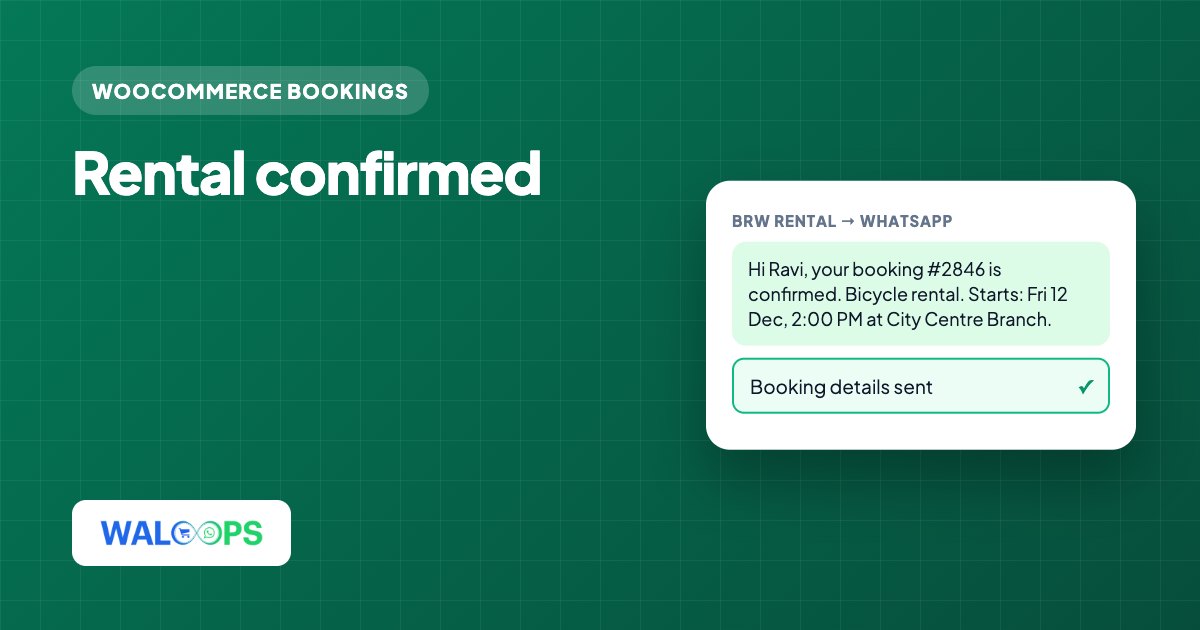
Hi Ravi, your booking #2846 is confirmed.
Two-day bicycle rental
Starts: Fri 12 Dec, 2:00 PM at City Centre Branch
Ends: Sun 14 Dec, 2:00 PM at Riverside Return Point
Payment: $200.00 paid in full
Reply to this message if you need any help with your booking.
Hi Ravi, this is a reminder for your booking #2846.
Two-day bicycle rental
Starts: Fri 12 Dec, 2:00 PM at City Centre Branch
Payment: Fully paid
Please reply to this message if your plans change.
Hi Ravi, your booking #2846 ends soon.
Two-day bicycle rental
Ends: Sun 14 Dec, 2:00 PM at Riverside Return Point
Thank you for booking with us. Reply to this message if you need more time.
Deposit and full-payment details
WooCommerce Deposits works with the booking updates. A booking order marked Partially Paid receives the confirmation even if only a deposit has been collected. It can show “$50.00 paid, $150.00 still to pay”. A fully paid booking can show “$200.00 paid in full”. The reminder includes the amount still to pay so the customer can check the outstanding amount alongside the pickup time.
Payment text describes the booking payment. It does not include an offer or unrelated promotion. For a rental with a known place, the location still appears after its time in the message.
Set up WhatsApp messages for BRW
Install the free WALoops plugin for WooCommerce, version 1.0.9 or newer. Connect the store to WALoops and enable the messages you want for the active BRW booking plugin.
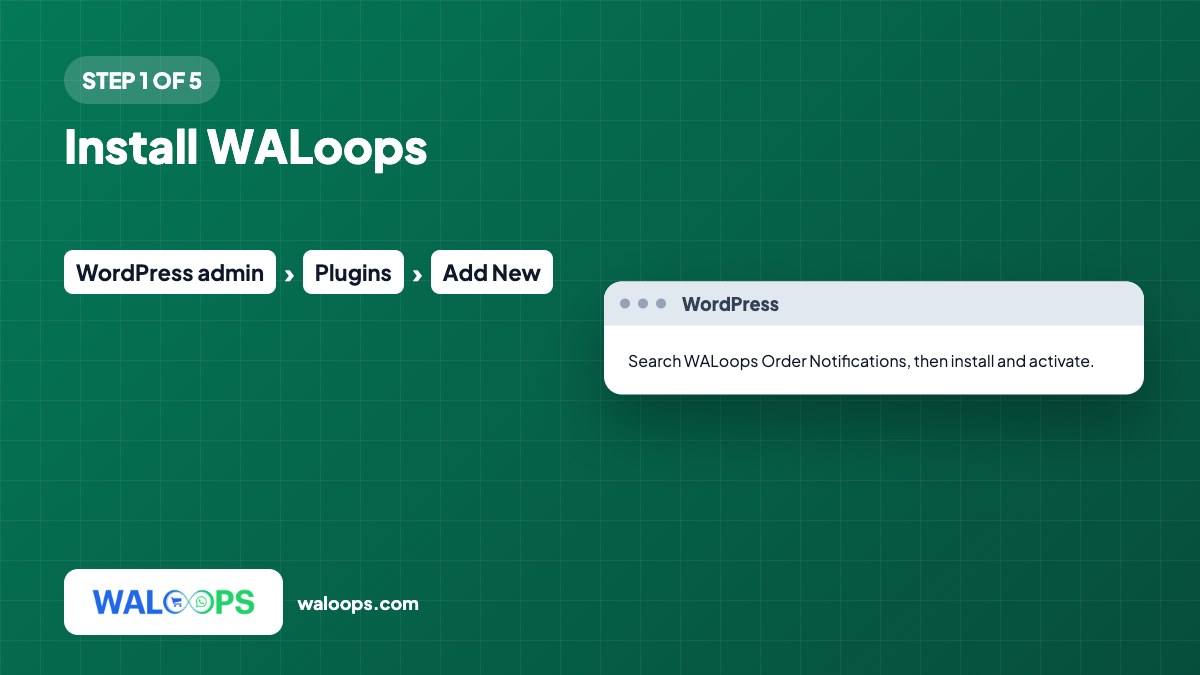
- Install the plugin. In WordPress admin, open Plugins → Add New, search “WALoops Order Notifications”, and click Install and Activate.
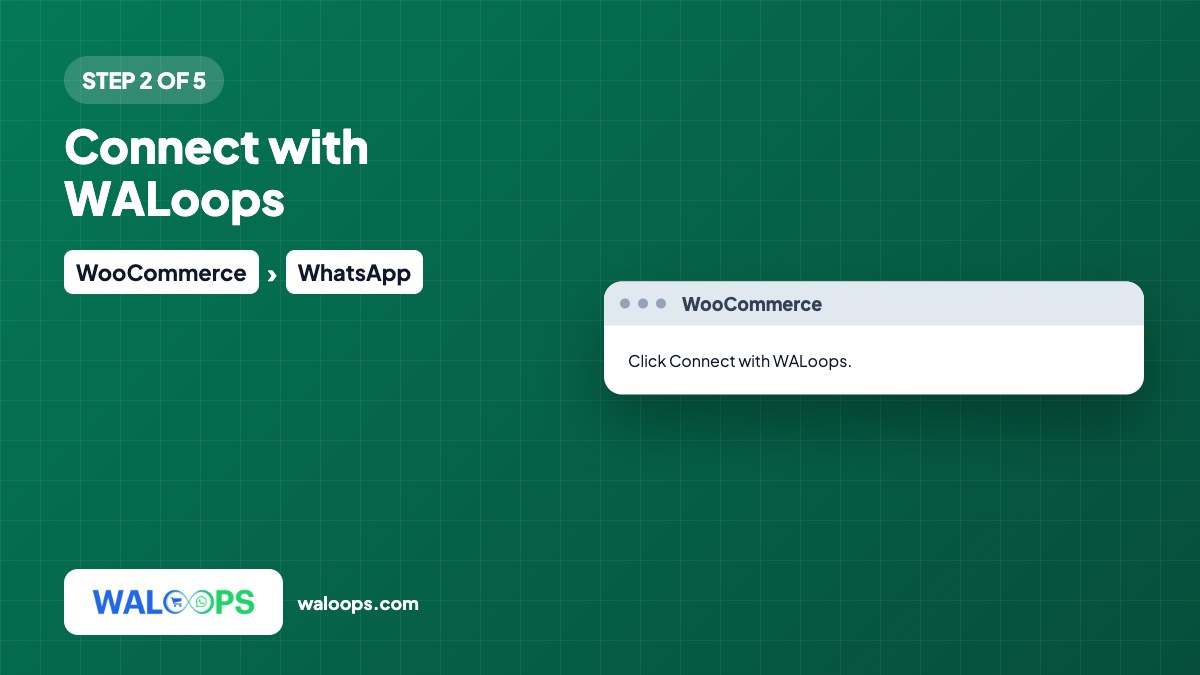
Install the free WALoops plugin. - Connect the store. Open WooCommerce → WhatsApp and click “Connect with WALoops”.
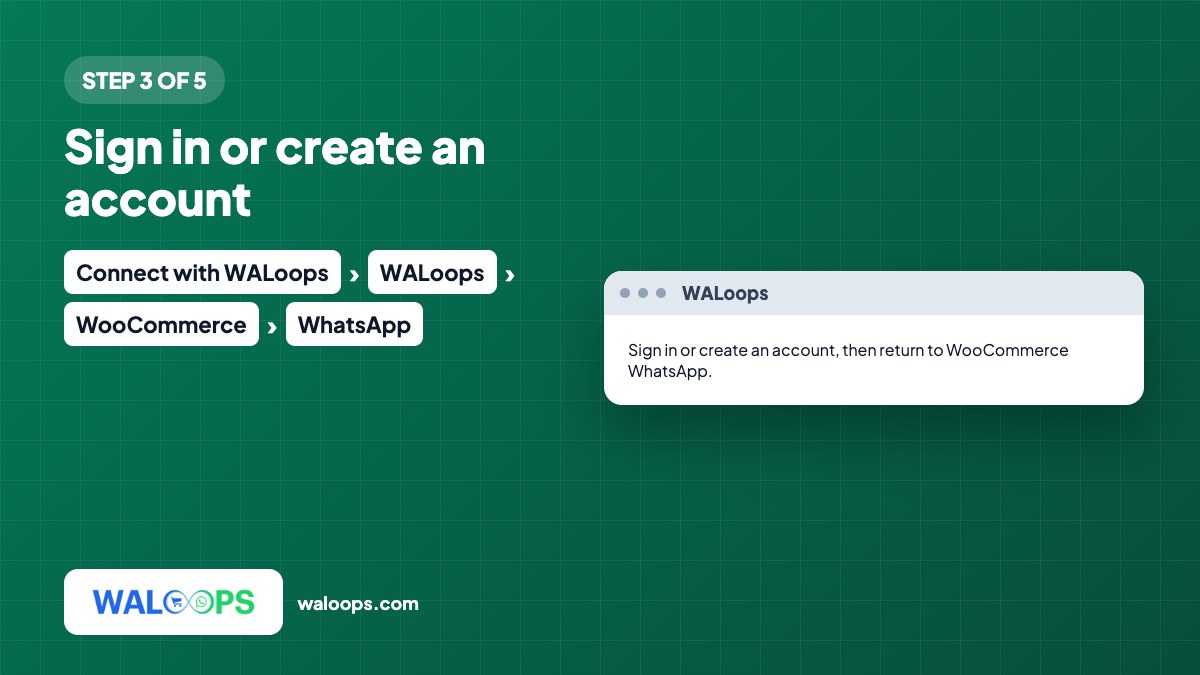
Start the connection in WooCommerce. - Sign in or create an account. Sign in or create the WALoops account, then return to WooCommerce → WhatsApp.
Return to WooCommerce after connecting the account. - Enable BRW booking messages. Under Messages, turn on the booking switches you want.
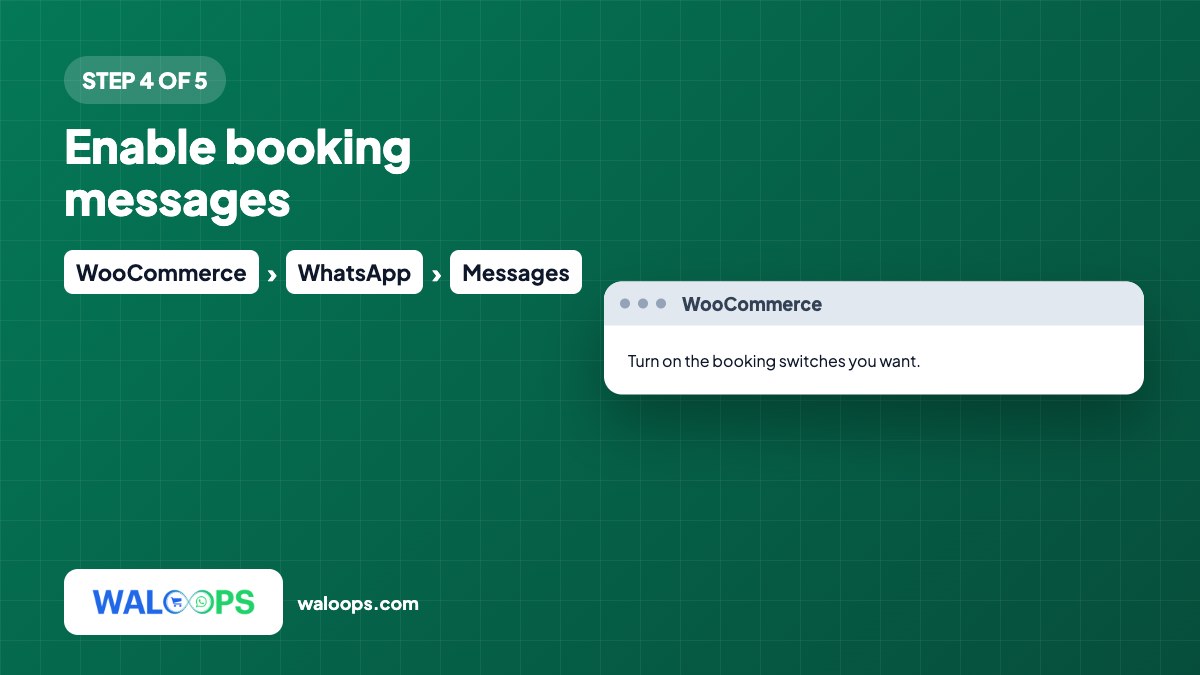
BRW booking switches appear when its plugin is active. - Save the settings. Click Save to apply your selections.
Save the booking message choices.
What happens when the rental is cancelled?
Pending reminders are cancelled if the order is cancelled, refunded or fails. A booking made less than one day before its start does not get the one-day start reminder. It can still receive the immediate confirmation. This prevents an outdated pickup reminder from going out after an order status changes.
The plugin also handles WooCommerce order confirmations, cash on delivery verification and abandoned cart reminders. For cart reminders, see the WooCommerce abandoned cart WhatsApp guide. Find the connection details at the WooCommerce WhatsApp integration page, and see current plans on the pricing page.


