WooCommerce Abandoned Cart Recovery on WhatsApp: Setup, Timing and Messages
WooCommerce has no built-in cart recovery. How to send abandoned cart reminders on WhatsApp instead: how a cart is detected, when to send, what to write and what it costs.
 WALoops team
calendar_month
schedule4 min read
WALoops team
calendar_month
schedule4 min read
In this guide
- WooCommerce has no abandoned cart recovery built in. You need something on your site that notices a checkout being left, and something that sends the reminder.
- You can only remind shoppers who typed their phone number at checkout and agreed to hear from you.
- Send the reminder 30 to 60 minutes after the shopper leaves, link straight back to their cart, and keep any discount for later.
- A cart reminder is a marketing message, about ₹0.8631 in India. One recovered order pays for hundreds of them.
Most WooCommerce checkouts that get started never finish. Some shoppers were only checking the delivery charge, but plenty were interrupted, got a call, or couldn't find their card. A reminder brings that second group back. Email reminders are the usual answer, but WooCommerce doesn't send them by default, and in India a lot of shoppers rarely open marketing email anyway. A WhatsApp reminder gets read.
How a WooCommerce abandoned cart is detected
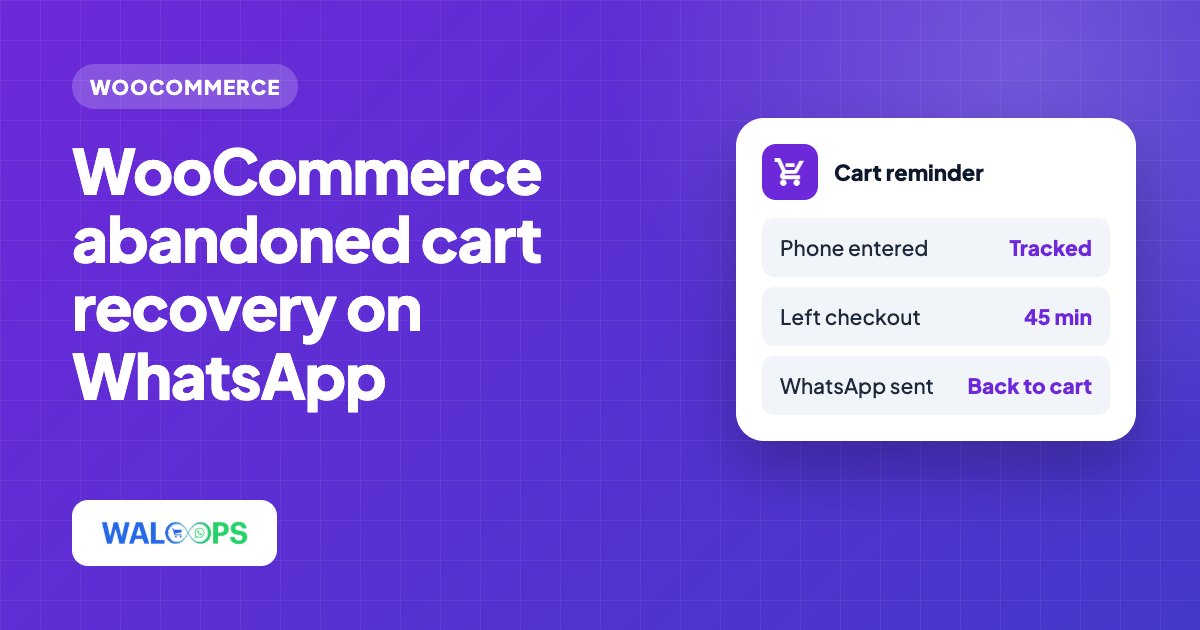
WooCommerce doesn't record a checkout as "abandoned" anywhere, so something running on your site has to watch for it. With WALoops that's the free WALoops WooCommerce plugin, which includes the cart tracker and works with the classic and block checkout:
- The shopper types a phone number on the checkout page.
- The plugin saves a snapshot of the cart on your site (items, total, coupons and a link back to checkout) and starts a timer.
- Every time the shopper changes a checkout field, the timer restarts. If they place the order, it's cancelled.
- If the timer runs out, the plugin reports the abandoned cart once to WALoops, which sends your WhatsApp reminder.
Nothing is sent while the shopper is still filling in the form, and the WhatsApp login widget doesn't need to be switched on for cart tracking to work.
wp-cron.php every minute or two from a server cron job. The plugin's settings page shows the exact URL.Who you can send reminders to
WhatsApp's Business Policy says people must agree to receive messages from your business first. For cart reminders that means:
- The shopper entered their phone number at checkout. Shoppers who only browsed can't be reminded, because you don't have their number.
- They agreed to WhatsApp messages, for example with a line next to the phone field: "Get order updates and offers on WhatsApp".
This is also why asking for the phone number early helps. A checkout that asks for the number first captures it before the shopper has a chance to leave. The WALoops Express Checkout plugin lets shoppers sign in with a WhatsApp code at the start of checkout, which captures a verified number straight away.
When to send the reminder
| Wait time | Result |
|---|---|
| Under 15 minutes | Too soon. The shopper may still be paying, and it feels like being watched. |
| 30 to 60 minutes | Best for most stores. Catches interrupted shoppers while they still remember the cart. |
| Several hours | Works for expensive items people think over, but many shoppers will have moved on. |
You set the wait time in the plugin. Start at 45 minutes and adjust once you see your own results.
What to write
Name the product, show the total, and give one button back to the same cart. The cart link comes from the plugin, so the shopper lands on a checkout with their items already in it.
A plain reminder
A reminder that answers doubts
Rules that keep reminders working:
- Link to the cart, never your home page.
- Use the product name. "Your items" doesn't remind anyone what they wanted.
- One button. Every extra choice loses buyers.
- Let people stop. Honour replies like "stop" or "not interested", and add a Stop button if you can.
Should the reminder include a discount?
A discount recovers more carts, but if every reminder has one, regular customers learn to leave their cart and wait for the code. Most stores do better with a reminder that removes doubts (delivery time, COD, returns) and no discount. If you do offer one, give it a deadline, and consider making it prepaid-only so it also reduces COD returns. The Shopify cart recovery guide goes into multi-message sequences and offers in more detail; the advice applies to WooCommerce too.
Setting it up with WALoops
- Install the free WALoops plugin (setup guide, free on WordPress.org) and click Connect under WooCommerce → WhatsApp. See the WooCommerce WhatsApp integration page for details.
- Check Abandoned Cart Recovery is on (it is by default) and set the wait time on the same screen. The reminder uses a ready-made, approved template with a button back to the cart.
- Optional: once your own number is connected, pick your own template for the reminder under Automation in your WALoops dashboard.
- Test it: start a checkout with your own number, leave, and wait for the reminder.
How to measure recovery
- Carts reminded: abandoned checkouts that got a message.
- Recovered orders: orders placed by the same phone number within 48 hours of the reminder.
- Recovery rate: recovered orders ÷ carts reminded.
- Revenue per message: recovered revenue ÷ messages sent.
- Blocks and stops: if these rise, send later or soften the wording. Blocks lower your WhatsApp quality rating.
The cost side is simple. At ₹0.8631 per reminder, 1,000 reminders a month cost about ₹863 in India before GST. If your average order is ₹1,200, recovering just 1 cart in 100 brings back ₹12,000 for that spend.