
YITH Booking: WhatsApp Confirmations and Reminders
Send confirmations and reminders for appointments, stays and rentals booked with YITH Booking and Appointment for WooCommerce.
 WALoops team
calendar_month
schedule4 min read
In this guide
- When YITH Booking and Appointment for WooCommerce is active, WALoops shows three booking message switches under Messages.
- Use the messages for appointments, stays and rentals. Start and end details come from the booking on each order item.
- Confirmation is sent after booking, the booking reminder one day before it starts, and the end reminder three hours before it ends.
- All booking switches start OFF. Enable the ones you need and save.
Customers use a booking page to reserve time with a professional, choose a stay, or arrange a rental. After checkout, they may need the dates and times without digging through email. WhatsApp puts the confirmation in a channel many people check during the day, and keeps the basic booking details close at hand.
Why WhatsApp for YITH bookings?
YITH Booking and Appointment for WooCommerce is used for appointments, stays and rentals. Those businesses do not all need the same kind of schedule. An appointment customer may have a specific time on a particular date. A guest may have a start and end date for a stay. A rental customer may need to know when the booking begins and ends. The useful common detail is the schedule recorded for the booked item.
The free WordPress plugin “WALoops Order Notifications, COD Verification & Abandoned Cart for WooCommerce”, version 1.0.9 or newer, connects to WALoops. When it sees YITH Booking and Appointment for WooCommerce active, it adds three switches under the Messages section. It reads start and end date and time straight from YITH on each order item. The booking messages are therefore tied to the booking details on the order, rather than a generic calendar message.
Email notifications can be missed among receipts and other updates. A short WhatsApp note can restate the booking date and time, show payment status, and make it easy to ask the store a question. These messages concern a booking the customer has made, so they are utility service messages, not marketing. Customers can reply STOP. Messages go out from the WALoops WhatsApp number at first, or from the store's WhatsApp Business number once connected. Customer replies arrive in the WALoops Inbox.
What the three YITH booking messages do
The three switches are named Booking Confirmation, Booking Reminder and Booking End Reminder. They start OFF until the store enables them and saves. Here is their timing and the information each one shows.
| Message | When it is sent | What it shows |
|---|---|---|
| Booking Confirmation | Right after a booking is placed | What was booked, start and end, and payment details |
| Booking Reminder | 1 day before the booking starts | What was booked, start time, and any amount still to pay |
| Booking End Reminder | 3 hours before the booking ends | What was booked and its end time |
Dates are shown in the store's time zone. A timed appointment might show “Fri 12 Dec, 2:00 PM”. A stay or rental can show its start and end dates, and an all-day booking shows a date without a time, such as “Sat 20 Dec 2026”. A one-day reminder is skipped if the booking starts less than one day after it was made.
Example messages for an appointment and a stay
These examples use a massage appointment. Replace the booking description with a stay, rental or another YITH booking item. The message structure stays focused on the schedule and payment status.
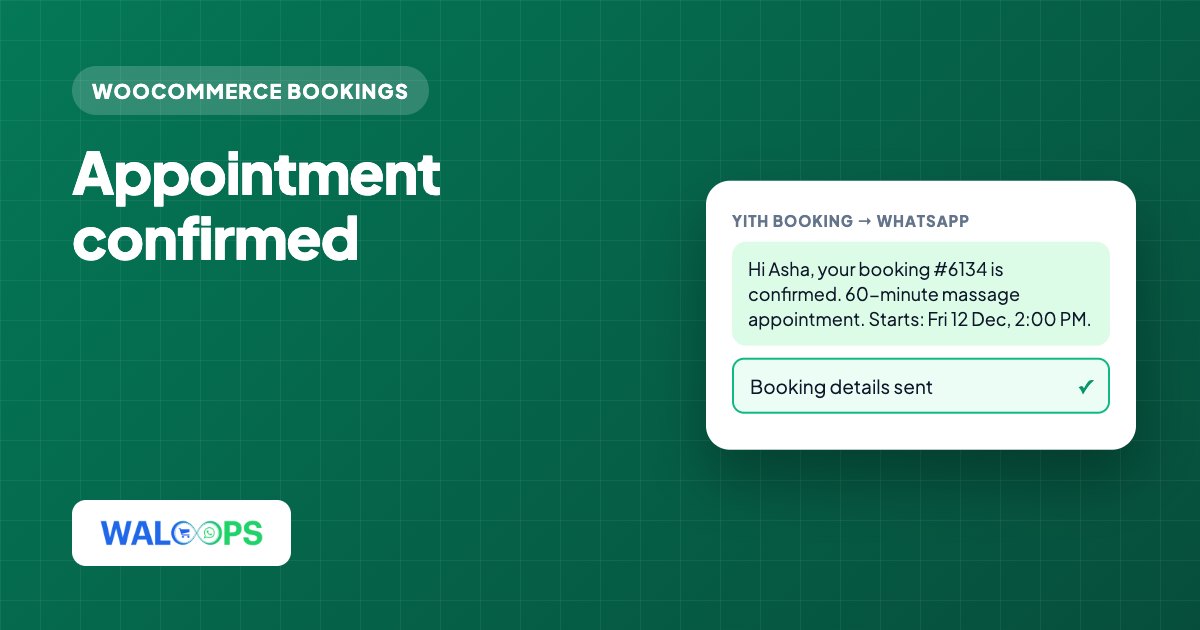
Hi Asha, your booking #6134 is confirmed.
60-minute massage appointment
Starts: Fri 12 Dec, 2:00 PM
Ends: Fri 12 Dec, 3:00 PM
Payment: $50.00 paid, $150.00 still to pay
Reply to this message if you need any help with your booking.
Hi Asha, this is a reminder for your booking #6134.
60-minute massage appointment
Starts: Fri 12 Dec, 2:00 PM
Payment: $150.00 still to pay
Please reply to this message if your plans change.
Hi Asha, your booking #6134 ends soon.
60-minute massage appointment
Ends: Fri 12 Dec, 3:00 PM
Thank you for booking with us. Reply to this message if you need more time.
How deposits are shown
WooCommerce Deposits is supported. A YITH booking whose order is “Partially Paid” receives the confirmation even if the customer paid only a deposit. The confirmation can state “$50.00 paid, $150.00 still to pay”. A fully paid booking can show “$200.00 paid in full”. The reminder also shows the amount still to pay, which helps customers see the payment context with their date and time.
These payment details are not an offer or a request to buy something else. They describe the payment for the appointment, stay or rental already booked.
Set up YITH booking messages
Install the free WALoops WooCommerce plugin, connect the store to WALoops, and enable the booking switches. The setup uses the WordPress and WooCommerce labels below.
- Install and activate WALoops. In WordPress admin, open Plugins → Add New, search “WALoops Order Notifications”, then Install and Activate.
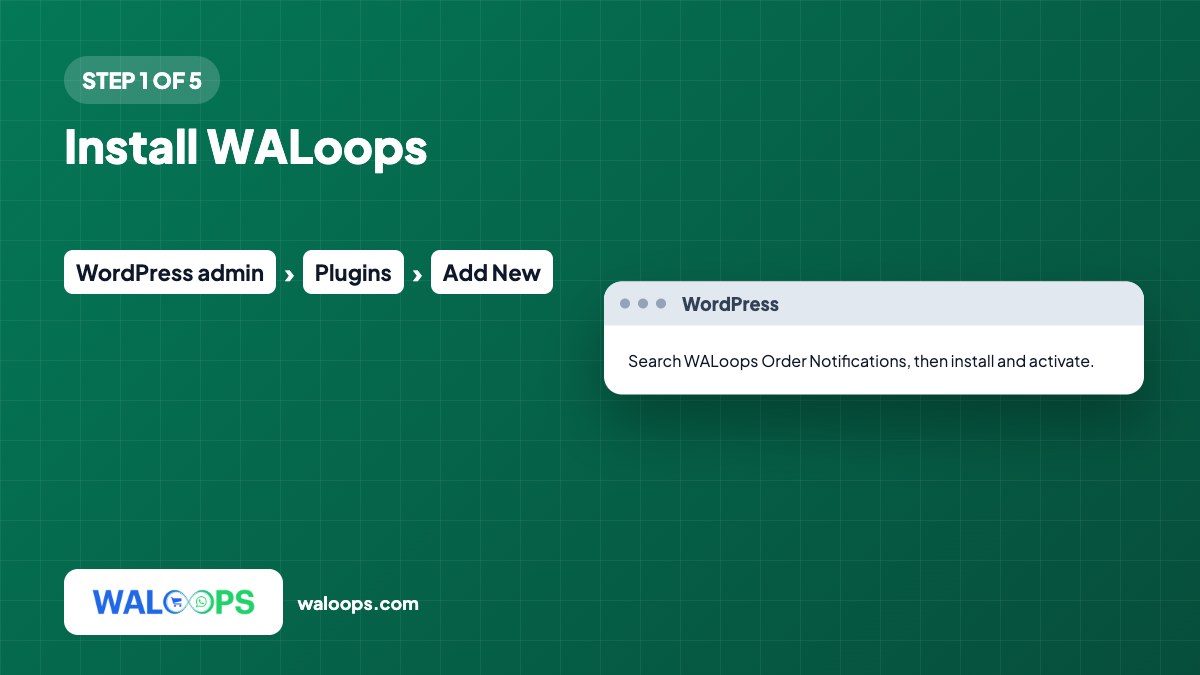
Install the free plugin and activate it. - Connect from WooCommerce. Open WooCommerce → WhatsApp and click “Connect with WALoops”.
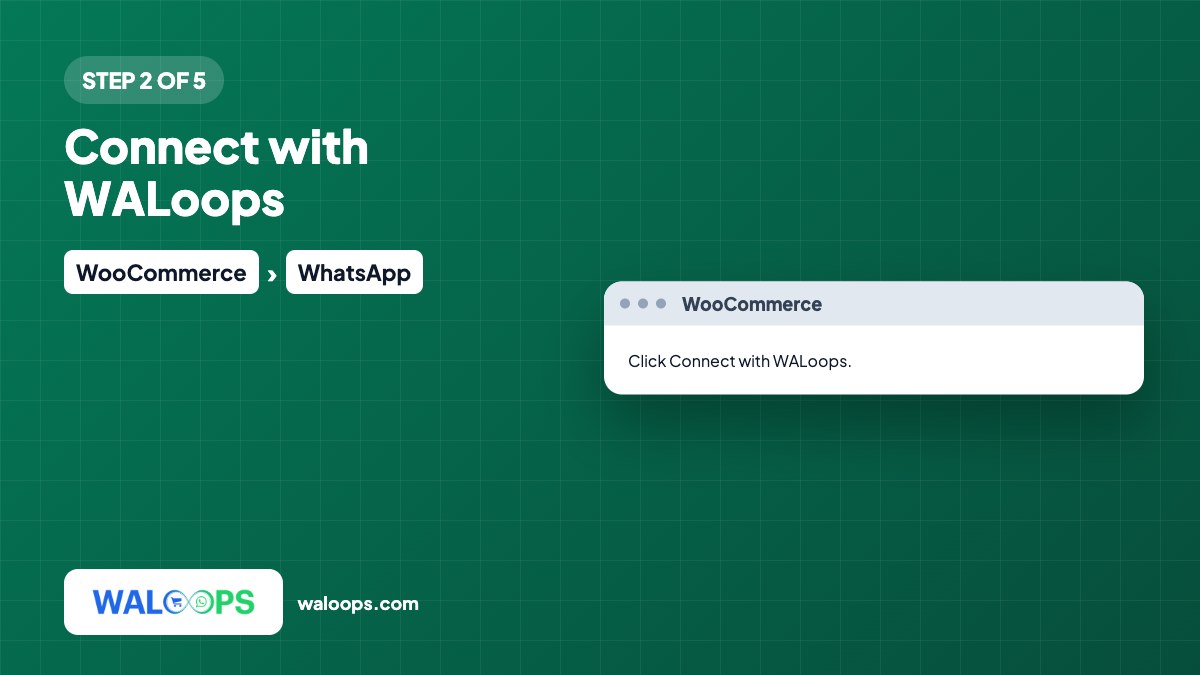
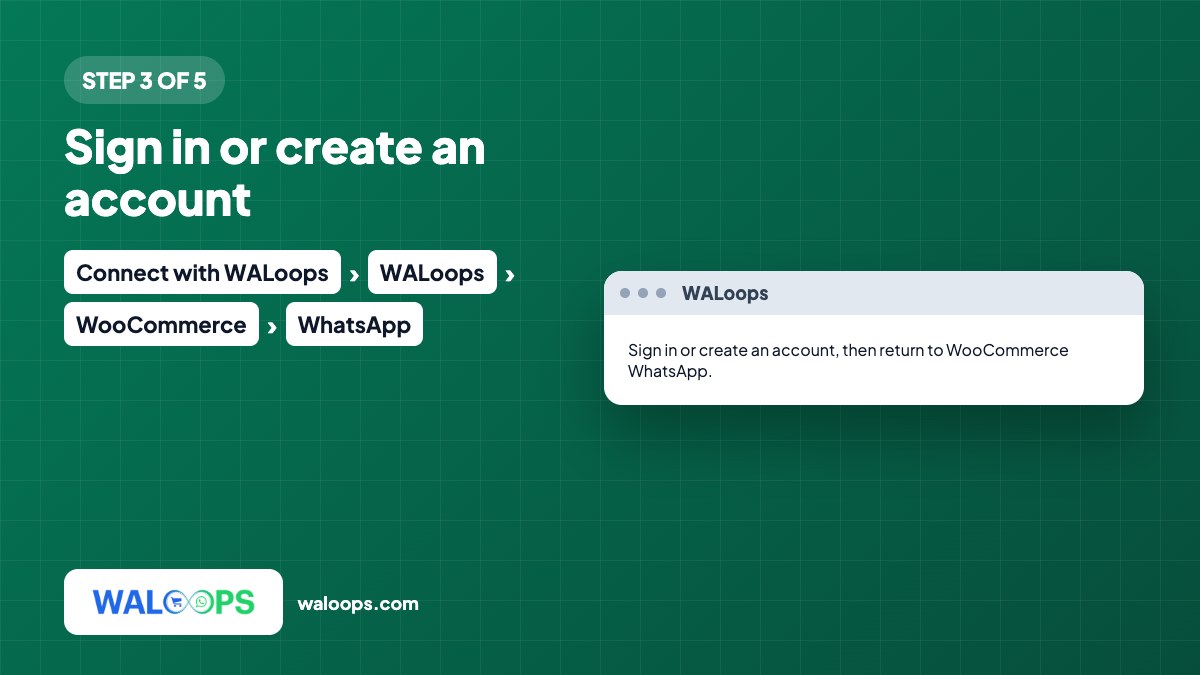
Start the connection in WooCommerce. - Sign in or create your account. Complete the WALoops sign-in, then return to WooCommerce → WhatsApp.
Connect the store to the account. - Enable the YITH messages. Find Messages and turn on the booking switches you want to use.
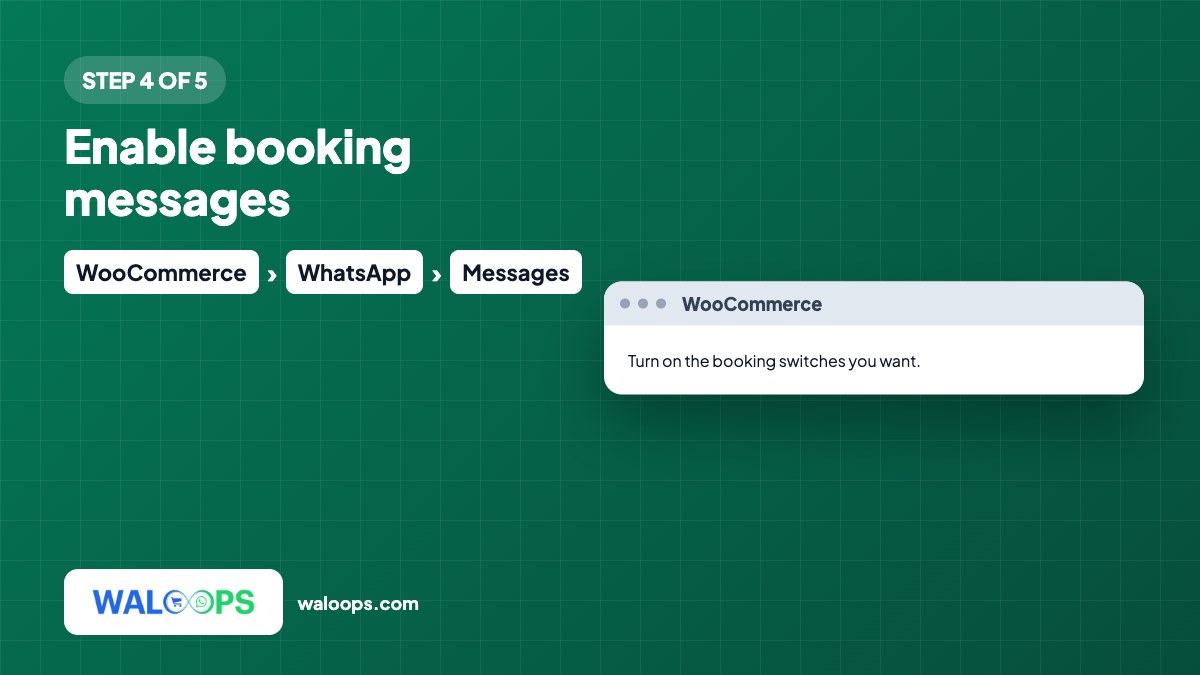
Booking switches appear when YITH Booking is active. - Save the settings. Click Save to apply the selected messages.
Save the settings for booking notifications.
What cancellation means for reminders
If a related order is cancelled, refunded or fails, its pending reminders are cancelled. A booking created too close to its start does not get the one-day reminder. The confirmation still goes right after the booking is placed. This is useful for same-day appointments and short-notice stays, where a day-before reminder could not arrive at the intended time.
The plugin also sends order confirmations, supports cash on delivery verification and can send abandoned cart reminders. See the WooCommerce abandoned cart WhatsApp guide for cart messages, the WooCommerce WhatsApp integration page for the connection, and see current plans on the pricing page.


