How to Get the WhatsApp Business API: A Step-by-Step Guide for Indian Brands
What you need before you start, how to connect a number, display name rules, business verification and messaging limits, explained step by step.
 WALoops team
calendar_month
schedule5 min read
WALoops team
calendar_month
schedule5 min read
In this guide
- You need a Meta (Facebook) business portfolio, a phone number that can receive an SMS or call, and a platform to connect it through.
- With Meta's Embedded Signup the connection itself takes about 10 minutes. You don't need to apply or wait for approval to start.
- Business verification is optional at first, but you need it to message more customers a day and to apply for a verified badge.
A few years ago getting the WhatsApp Business API meant applying through a provider and waiting weeks. Today Meta's Cloud API and Embedded Signup let any business connect a number in one sitting. What still trips people up are the details: which number to use, the display name, and the messaging limits on a new account. This guide covers each step.
WhatsApp Business app vs the API
| WhatsApp Business app | WhatsApp Business API | |
|---|---|---|
| Cost | Free | Per message, plus the platform you use |
| Team | One phone plus a few linked devices | Any number of agents in a shared inbox |
| Broadcasts | Only to contacts who saved your number, in small batches | To any opted-in customer, at scale, with approved templates |
| Automation | Greeting and away messages, quick replies | Chatbots, AI agents, order updates from Shopify and other tools |
| Integrations | None | Store, CRM, payment and helpdesk integrations |
If you send order updates, run campaigns or have more than one person answering chats, you need the API.
What you need before you start
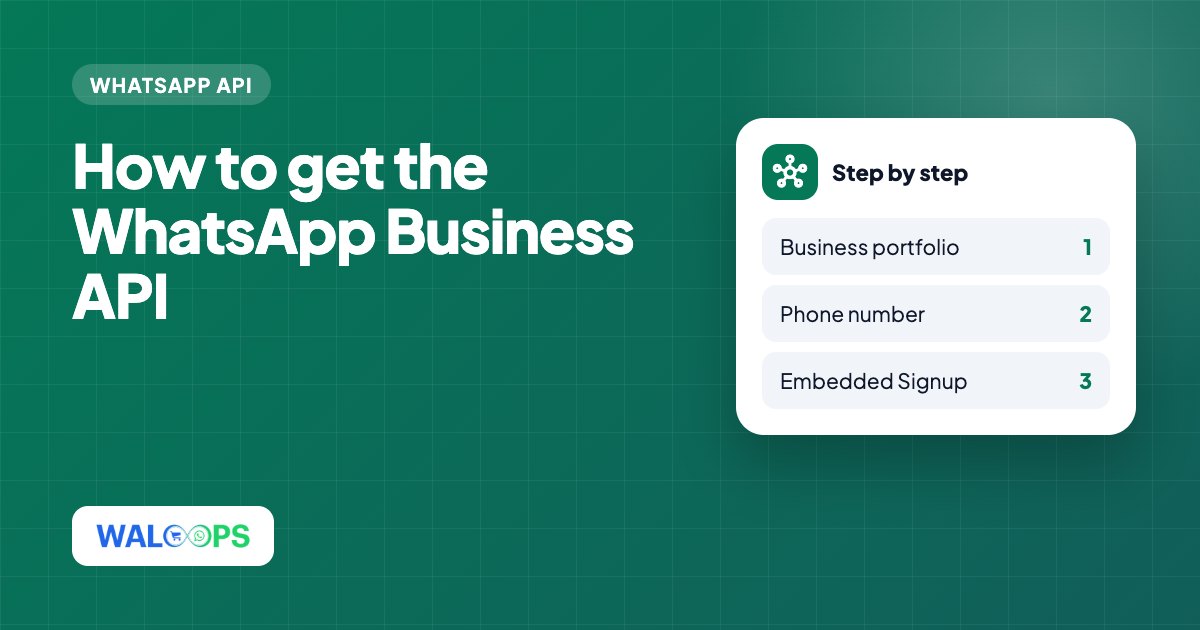
- A Meta business portfolio (formerly Business Manager) at business.facebook.com. If you run Facebook or Instagram ads you probably have one. You need admin access to it.
- A phone number for WhatsApp. It can be a mobile or landline number, and it must be able to receive an SMS or a voice call for verification. See the next section about numbers already on WhatsApp.
- A display name that matches your brand. More on this below.
- A payment method (a card) to add in WhatsApp Manager, if Meta bills you directly for messages, as it does with WALoops.
- Your business documents for verification later: GST certificate, certificate of incorporation or Udyam registration, and a website on your business domain.
Choosing the phone number
A number can only be on one WhatsApp account at a time. You have three choices:
- A new number. Simplest. Buy a new SIM or use a virtual number that can receive an SMS or call.
- Your current WhatsApp Business app number. Meta now lets some providers connect a Business app number to the API while you keep using the app (Meta calls this coexistence). Otherwise you must delete the WhatsApp account on that number first, which removes its chat history from the app.
- A number already on another API provider. It can be moved to a new provider. Your display name, quality rating and templates move with it.
Connecting with Embedded Signup
Most platforms, including WALoops, use Meta's Embedded Signup: a Meta pop-up that creates everything for you. The steps:
- Click "Connect WhatsApp" in your platform and log in with the Facebook account that is an admin of your business portfolio.
- Choose your business portfolio, or create one.
- Create a WhatsApp Business Account (WABA) and fill in your business details: category, description and website.
- Enter the display name and phone number, then verify the number with the code Meta sends by SMS or call.
- Grant access to the platform. That's it. The number is live on the Cloud API.
Then add a payment method in WhatsApp Manager so you can send templates beyond Meta's free allowance, and submit your first templates. Our template approval guide covers what gets approved.
Display name rules
The display name is what customers see instead of your number. Meta reviews it, and a rejected name limits what you can send. To get it approved:
- It must clearly relate to your business: your brand name, or brand name plus a short description like "Priya Organics Support".
- It should match your website and branding, so Meta can see the connection.
- Avoid generic names alone like "Online Store" or "Offers", and don't use another brand's name.
- Use normal capitalisation, not ALL CAPS, and no emojis or extra punctuation.
Messaging limits for new accounts
Replies to customers who message you first are never capped. Limits apply to business-initiated template messages, counted as how many unique customers you can start conversations with in a rolling 24 hours:
- A new, unverified business starts at 250 customers a day.
- After business verification, and as you keep sending messages people don't block or report, Meta raises the limit in steps, up to unlimited.
- If your quality rating drops, the limit stops growing and templates can be paused.
So if you plan a big launch campaign, connect your number and verify your business a few weeks ahead.
Business verification and the verified badge
Business verification is done in Meta Business Settings under Security Centre. You submit your legal business name, address and documents, and Meta checks that they match your website. It usually takes a few days. It raises your messaging limits and is required before you can apply for a verified badge on WhatsApp.
The badge (a blue tick, through Meta Verified for business or an official business account request) is not required to use the API. Most brands start without it.
What it costs
Meta charges per delivered template message, and incoming messages are free. Your platform adds its own fee and sometimes a markup on messages. See our WhatsApp Business API pricing guide for current Indian rates and worked monthly costs.
Once your number is connected, online stores usually start with order notifications. See Shopify WhatsApp integration or WooCommerce WhatsApp integration.
Getting started on WALoops
On WALoops you connect your number with Meta's Embedded Signup from the WhatsApp page in your dashboard, and you keep full ownership of the number and account. Meta bills messages to you directly at its own rate, with no markup. Plans start at ₹2,499 a month with a 7-day free trial. See plans and pricing.