WhatsApp Error 131042 (Business Eligibility Payment Issue): How to Fix It
Error 131042 means Meta refused paid messages over a payment problem. Find the cause in Meta Billing, fix the card or balance, and resend.
 WALoops team
calendar_month
schedule4 min read
In this guide
- Error 131042 ("Business eligibility payment issue") means Meta refused a message because of a problem with the payment method on your WhatsApp Business account.
- Template messages, such as order updates, campaigns and login codes, are the ones Meta charges for, so they are the ones that fail.
- The fix is in Meta's Billing settings: add a payment method, replace an expired or declined card, or clear an unpaid balance.
- Your messaging platform can't fix it for you. Meta bills your WhatsApp account directly and doesn't share card details with apps.
WhatsApp error 131042 means Meta refused a paid template message because it could not collect payment from the WhatsApp Business account that owns the number. This usually means no payment method is added, a card expired or was declined, or a balance is unpaid. Add or update the payment method in Meta Business Suite Billing, then resend failed messages.
What does WhatsApp error 131042 mean?
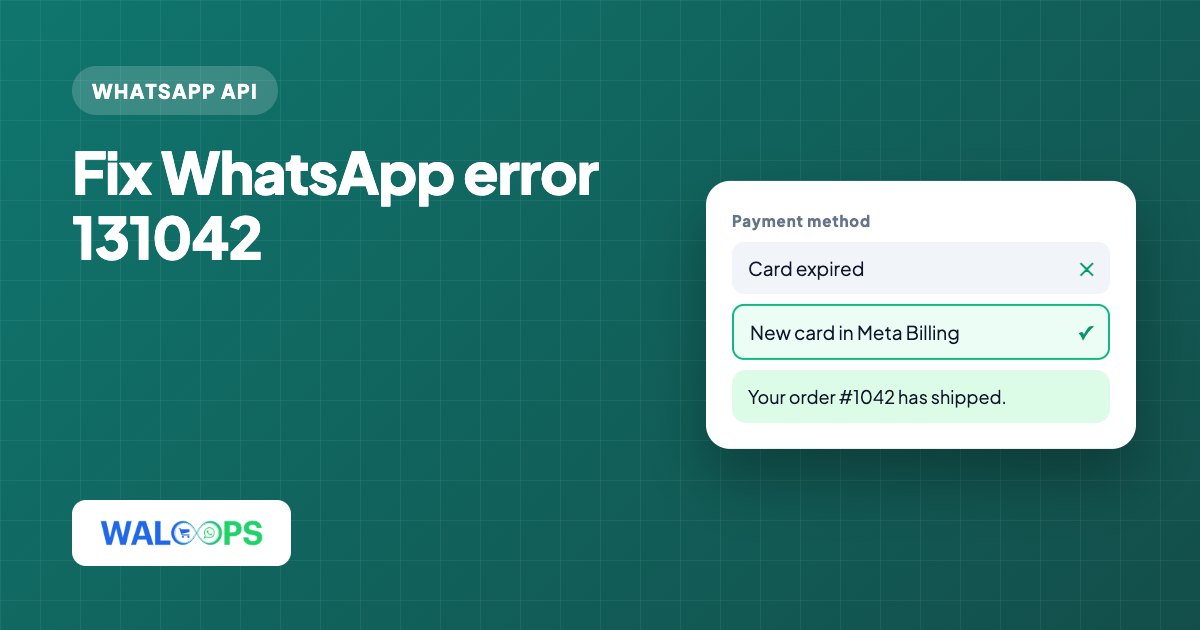
Error 131042 means Meta couldn't charge the payment method on your WhatsApp Business account, so it refused the paid template message. Meta charges for template messages by category: marketing, utility and authentication. Those charges go to the payment method on your WhatsApp Business account.
| Message | Needs a payment method? |
|---|---|
| Order and booking updates (utility templates) | Yes |
| Campaigns and offers (marketing templates) | Yes |
| Login and verification codes (authentication templates) | Yes |
| Free-form replies inside the 24-hour window | No Meta fee |
Why does Meta return error 131042?
Meta returns 131042 when it cannot charge the WhatsApp Business account that owns the number.
- No payment method was ever added. Common on new accounts that only replied to customers until now, then started sending order updates.
- The card expired or was replaced by the bank.
- The card was declined. Some Indian cards block online or international charges until you enable them in your bank's app.
- An unpaid balance. A failed earlier charge leaves an amount due, and Meta pauses paid messages until it's cleared.
- The payment method is on the wrong account. It was added to a Meta ad account or another WhatsApp account in the same Business portfolio, not the one that owns this number.
How can you fix error 131042?
Fix or add the payment method in Meta Business Suite Billing, clear any unpaid balance, then test and resend failed templates.
- Open Billing in Meta Business Suite. Go to Billing and payments → Accounts and select the WhatsApp Business account that owns the number.
- Check the payment method. If there is none, add one. If there is one, check whether it's expired or marked as failed.
- Clear any amount due. If Meta shows an outstanding balance, pay it from the same screen.
- Check with your bank if a valid card keeps being declined. Turn on online and international transactions for it, or use a different card.
- Send one test template to your own number. When it's delivered, paid messages are working again.
- Resend what failed. Messages refused with 131042 aren't queued by Meta, so important ones, such as COD confirmations for orders not yet shipped, need sending again.
Can the same billing issue cause other errors?
Yes. A missing payment method causes more than 131042. On many accounts, Meta also won't let you create authentication templates for login codes until a payment method is added, which shows up as error 2388185. If you've connected your own number for OTPs, the codes keep going out from WALoops' number until your account is eligible, so logins don't break while you sort out billing.
How can you check payment health in WALoops?
WALoops infers payment health from what happens to your messages because Meta doesn't share card details with apps. The health card on the WhatsApp page in your dashboard shows a Payment method check:
| Status | What it means |
|---|---|
| Problem | Meta refused messages for a payment problem in the last 30 days, or reports a payment issue on the account |
| Working | Paid template messages were delivered recently |
| Not confirmed yet | No paid messages sent yet. Check that a payment method is added |
Each status has a button that opens Billing in Meta Business Suite for your account. WALoops adds no markup on Meta's fees: Meta charges your WhatsApp account directly, and your WALoops plan is billed separately. For what each message category costs in India, see the WhatsApp API pricing guide or WALoops pricing.
Which errors are related to 131042?
Error 2388185 can have the same payment cause, while 131049 is a separate marketing-message hold.
| Code | What it means |
|---|---|
| 131042 | Payment problem on the WhatsApp account. Fix it in Meta Billing. |
| 2388185 | Can't create authentication templates, often for the same reason. |
| 131049 | Marketing message held back by Meta. See the 131049 guide. |