WhatsApp Error 131053 (Media Upload Error): Causes and Fixes
Why WhatsApp can't fetch your image or video (error 131053): expired links, private URLs, HEIC files and size limits, and how to fix each one.
 WALoops team
calendar_month
schedule4 min read
In this guide
- What does WhatsApp API error 131053 mean?
- What causes error 131053, and how can I fix it?
- Why did my template image stop working?
- Which media formats and sizes work in WALoops?
- Do Shopify and WooCommerce image links work?
- How can I check media before a big campaign?
- What other WhatsApp API error codes are related?
- Error 131053 ("Media upload error") means WhatsApp couldn't download or use the image, video or document you sent. The message itself was fine.
- The most common cause is a media link that has expired or isn't public, such as a signed link with a time limit or a file behind a login.
- The next most common causes are the wrong file type (for example an iPhone HEIC photo) and a file that is too large.
- The lasting fix is to host the file at a stable public URL you control, in a format WhatsApp accepts.
WhatsApp API error 131053 means WhatsApp could not download or use the image, video, or document attached to a message. The message text is not the problem. The most common cause is an expired or private media link; unsupported file types, oversized files, and servers that block WhatsApp can also trigger it.
What does WhatsApp API error 131053 mean?
Error 131053 means WhatsApp could not download the linked media or deliver the file you sent. You can upload the file to Meta first or pass a link; when you use a link, WhatsApp's servers fetch it at send time. Retrying with the same failing link gives the same result.
What causes error 131053, and how can I fix it?
Error 131053 is usually caused by an expired or private media link, an unsupported or oversized file, or a server that blocks WhatsApp.
| Cause | How to spot it | Fix |
|---|---|---|
| Expired link | The URL has a long query string with an expiry or signature, and it worked before | Host the file at a permanent URL |
| Link isn't public | Opening the URL in a private browser window asks for a login, or shows a page instead of the file | Use a direct, public file link |
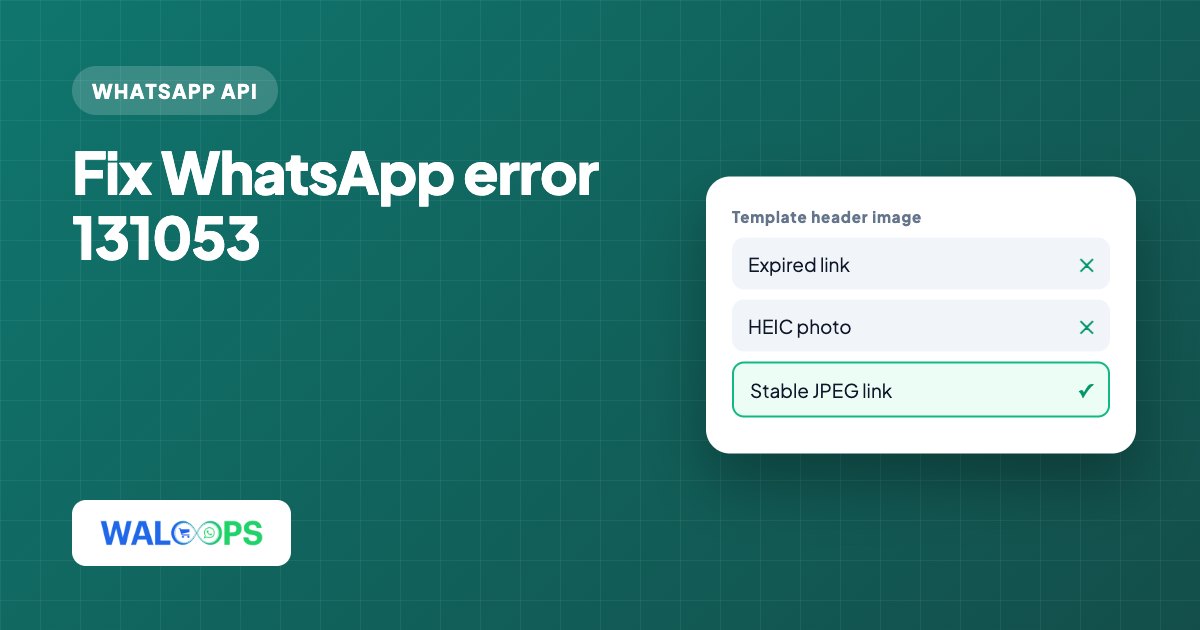
| Wrong file type | The file is HEIC, GIF, or a web page that contains the image | Convert images to JPEG or PNG, and videos to MP4 |
| File too large | High-resolution photos or long videos | Compress the file before sending |
| Server blocks WhatsApp | The link opens for you but a firewall or bot protection blocks unknown servers | Serve media from storage that doesn't block automated downloads |
Why did my template image stop working?
A template image usually stops working when its header points to Meta's expiring review copy instead of a permanent media URL. When you submit a template with an image header, Meta keeps a copy of your example image for its review, and some tools reuse the link to that copy for every send. The link is signed and expires. Once it expires, every message using the template fails with 131053, even though the template is still approved.
- Open the template's header image link in a private browser window. If it doesn't load, or the URL is on a Meta or WhatsApp content domain with an expiry in it, that's the cause.
- Upload the image again to storage you control, such as your website's media library or your platform's own media storage.
- Point the template's header at the new link in your sending tool or automation.
- Send a test to your own number before the next campaign.
Which media formats and sizes work in WALoops?
WALoops accepts JPEG, PNG, and WebP images up to 5 MB, plus MP4 and 3GP videos up to 16 MB.
| Media | Formats | Maximum size |
|---|---|---|
| Images | JPEG, PNG, WebP | 5 MB |
| Videos | MP4, 3GP | 16 MB |
iPhone product photos are often HEIC, which WhatsApp doesn't accept. Where the server supports it, WALoops converts HEIC to JPEG when it re-hosts the file. If you send from another tool, export the photo as JPEG first. For product images in templates, a square or landscape JPEG of a few hundred kilobytes loads fast and is well under the limit.
Do Shopify and WooCommerce image links work?
Shopify CDN and standard WooCommerce media-library image links are public and permanent, so they usually work as template headers. Problems start when an image is served through a page builder preview, a staging site with a password, or a security plugin that blocks unknown servers. If 131053 appears only for some products, open those image links in a private window and compare them with the ones that work.
How can I check media before a big campaign?
To check media before a big campaign, send the template to your own number and open the header image link in a private window.
- Avoid links copied from Google Drive or WhatsApp itself; these are often not direct file links.
For templates with several images, see carousel templates. Failed sends and their error codes from the last 7 days are listed on the health card of the WhatsApp page in your WALoops dashboard, so a run of 131053 errors is easy to spot.
What other WhatsApp API error codes are related?
The related error codes listed here are 131047 and 131049.
| Code | What it means |
|---|---|
| 131053 | WhatsApp couldn't download or use the media. Fix the link or the file. |
| 131047 | Free-form message outside the 24-hour window. See the 131047 guide. |
| 131049 | Marketing message held back by Meta. See the 131049 guide. |