How to Turn Instagram Comments Into an Email List
Collect emails or phone numbers from people who comment your keyword: the DM flow, setup, how to get more answers and how to keep it clean.
 WALoops team
calendar_month
schedule3 min read
In this guide
- Instagram followers aren't yours: the algorithm decides who sees your posts. An email list (or phone list) you can reach any time.
- The flow: they comment a keyword, the DM asks for their email, they reply, and the reward goes out.
- Check the email before sending the reward, and ask again politely if it's not valid.
- Say what you'll send them. If you plan to message them on WhatsApp, say so when you ask for the number.
To turn Instagram comments into an email list, ask commenters for their email in a DM before sending the promised reward. Use a keyword-triggered auto-DM, check that the reply looks like a valid email, then save it as a lead. WALoops lets you download leads as a CSV for your email tool.
How does the comment-to-email flow work?
The commenter opens a DM from a button, shares an email, and receives the reward.
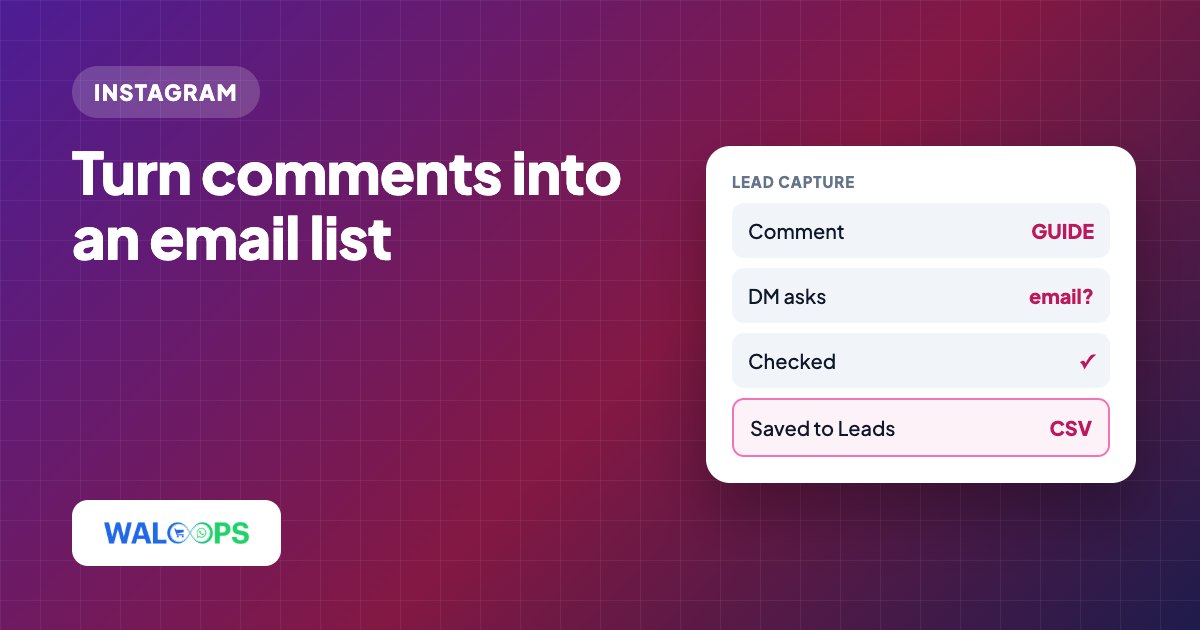
- They comment your keyword, for example GUIDE. They see a public reply: "Check your DMs 📩".
- They get a DM with a button: "Tap below and I'll send it 👇". Instagram allows only one DM in reply to a comment until the person interacts, so the button opens the conversation.
- The DM asks for their email: "What's your email? I'll send the guide straight away 📩".
- They type it. The tool checks it looks like a real email. If not, it asks again, up to a couple of times.
- The reward goes out, and the email is saved as a lead.
For story replies the button step isn't needed: the person already messaged you, so the email question goes out first.
How do I set it up in WALoops?
Choose the email-list template, set its keyword and posts, and enable email capture.
- Open Instagram → Auto-DM and choose the Grow your email list template.
- Set the keyword and the posts.
- Write the reward DM, for example the download link with a button.
- Under Before they get it, switch on Collect their email or phone and choose Email or Phone. Write the question in your own words.
- Save. New leads appear in the Leads tab with their Instagram username, and you can download them as a CSV for your email tool.
How can I get more people to share their email?
Give a useful reward, ask for one detail, then send it.
- Say why you need it. "I'll email you the full 20-page guide" gets more answers than "What's your email?".
- Make the reward worth it. A one-line tip isn't worth an email. A template, a checklist, a discount or early access is.
- Ask for one thing. Email or phone, not both.
- Send the reward at once. If people wait, they forget why they gave you their email.
- Mention it in the caption. "Comment GUIDE and I'll email it to you" sets the expectation before they comment.
Should I collect an email or phone number?
Choose email for follow-up through your email tool, or phone for follow-up through WhatsApp or SMS.
| Phone | ||
|---|---|---|
| Best for | Newsletters, courses, long content | Order updates, offers on WhatsApp, local businesses |
| How people feel | Easy to share | More personal, fewer people share it |
| Follow-up | Your email tool | WhatsApp or SMS |
How do I keep the list clean?
Keep the list relevant, easy to leave, and safe.
- Only send what you said you'd send.
- Make unsubscribing easy in every email.
- Store the list safely and follow the privacy law where you and your audience are.
Email and phone capture is included in WALoops Instagram auto DM from ₹499 ($5) a month. You can also ask people to follow before they get the link.