Link in Bio vs Comment-to-DM: Which Gets More Clicks on Instagram?
Why "comment LINK" beats "link in bio" for posts and reels, when the bio link is still right, and how to use both together.
 WALoops team
calendar_month
schedule2 min read
In this guide
- "Link in bio" asks people to leave the post, open your profile, find the link and tap it. Every step loses people.
- "Comment LINK" puts the link in their DMs, one tap away, and the comment itself helps the post reach more people.
- A DM also starts a conversation you can continue. A bio link doesn't.
- Use both: the bio link for people who visit your profile, comment-to-DM for people who see a post.
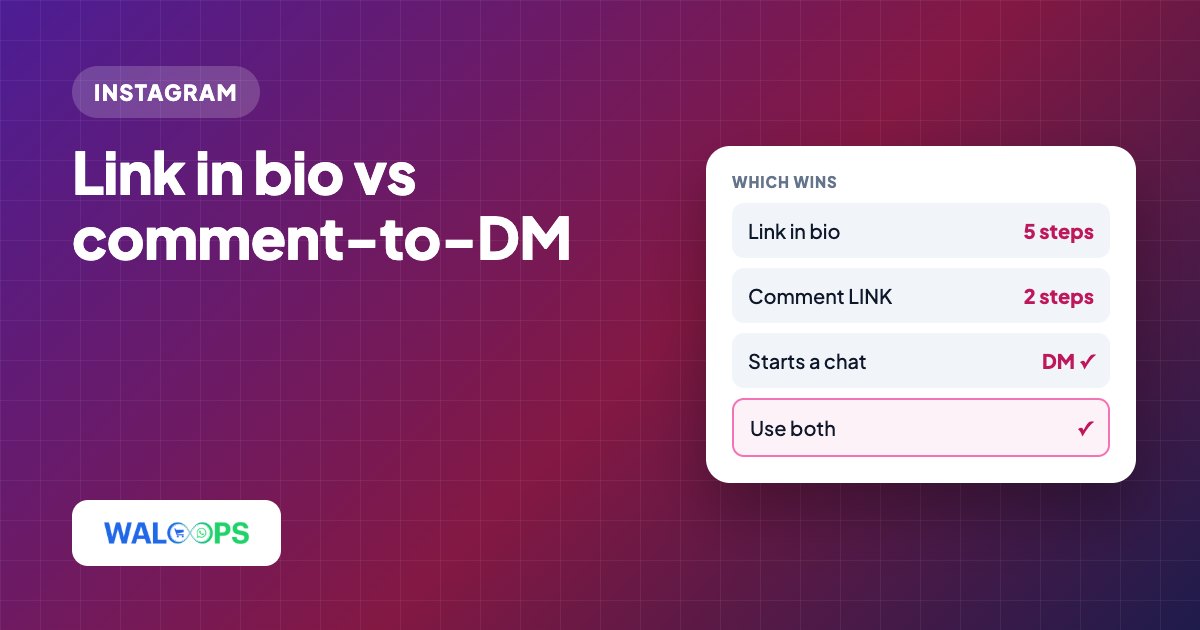
Use both: a link in bio works best for profile visitors and evergreen destinations, while comment-to-DM is better for links tied to a specific post or reel. The bio route takes five steps in the comparison below; comment-to-DM takes three, putting the link in the person's DMs in one tap.
Which link takes fewer steps?
Bio links take five steps; comment-to-DM takes three.
| Link in bio | Comment to get the link |
|---|---|
| 1. Read "link in bio" in the caption | 1. Read "comment LINK" in the caption |
| 2. Leave the reel and open your profile | 2. Type LINK in the comments |
| 3. Tap the bio link | 3. Open the DM and tap the link |
| 4. Find the right link on a link-in-bio page | |
| 5. Tap it |
Each extra step is a chance to get distracted by the next reel. And on a link-in-bio page with ten buttons, people often can't find the one from the post they just saw.
Why does comment-to-DM work better for posts?
It works better because the link lands in DMs, comments support reach, and conversations can continue.
- The right link, every time. Each post sends its own link, so nobody hunts for it.
- Comments help reach. Comments are a signal Instagram uses, so "comment LINK" posts tend to travel further.
- The link stays in their DMs. People who aren't ready now can find it later.
- A conversation starts. They can ask "does it come in blue?" and you can answer, by hand or with an AI agent.
- You can ask for something back: a follow or an email, before the link goes out.
When should I use a link in bio?
Use a bio link for profile visitors, evergreen links, or posts without comments.
- People who visit your profile directly and want your shop or website.
- Evergreen links: your store, booking page, WhatsApp, YouTube.
- Posts where you don't want comments, like announcements.
Should I use both link in bio and comment-to-DM?
Yes—keep a bio link for profile visitors; use comment-to-DM on specific posts.
- Keep a simple bio link to your main page, with only a few buttons.
- Add a "Message us" link to your bio page or website so visitors can DM you in one tap. Our free Instagram DM link generator makes the ig.me link, a QR code and a website button.
- Use comment-to-DM on posts and reels that promote something specific.
- Use link stickers in stories, or "reply LINK" stories with an auto-DM. See story reply automation.
How do I set up comment-to-DM?
To set up comment-to-DM, open Instagram → Auto-DM, pick Comment a keyword, get the link, set the keyword and the post, add the link button and save. It's live in a few minutes and costs ₹499 ($5) a month with unlimited contacts. See Instagram auto DM. Need ideas? Here are 32 comment-to-DM keyword ideas.