Telegram Live Chat Widget: Answer Website Chats from Telegram
Four ways to use Telegram for website chat, compared. Get every live chat message in Telegram and swipe-reply to answer on your site. No bot token, visitors need no Telegram.
 WALoops team
calendar_month
schedule3 min read

In this guide
- A "Telegram chat widget" can mean two very different things: a button that sends visitors off to Telegram, or a live chat box on your site that you answer from Telegram. Only the second works for visitors who don't use Telegram.
- Notification tools like Zapier can ping you on Telegram when a chat starts, but you can't reply from there. You still have to open the chat dashboard.
- With WALoops, each website chat message lands in Telegram and you swipe-reply to answer. No bot token, no chat ID, free on every plan.
Visitors who open a chat box usually have one question standing between them and buying: does it ship to my city, is this in stock, can I pay cash on delivery. Answer in two minutes and many of them buy. Answer the next morning and they are gone. For a small team the hard part isn't writing the answer, it's noticing the message while you are packing orders, on a call or away from the laptop. Telegram is already open on your phone, so it is a good place to catch those messages.
Four ways to use Telegram for website chat
| Option | How it works | The catch |
|---|---|---|
| Telegram chat button | A floating button opens a Telegram chat with you | The visitor must have Telegram and be willing to leave your site. Most shoppers won't. |
| Live chat + Zapier or Make | Your live chat tool sends a Telegram message when a chat starts | One way only. To answer, you open the chat dashboard anyway. Extra monthly cost for the automation tool. |
| A Telegram live chat plugin with your own bot | Create a bot in BotFather, paste the token, find your chat ID | Setup takes time, groups are fiddly, and some plugins send your reply to the visitor by email instead of the chat box. |
| WALoops Live Chat + Telegram | Chat box on your site; every message comes to Telegram; swipe-reply to answer | Replies from Telegram are text only for now. Send images from the WALoops inbox. |
Many help desks also list a "Telegram integration". Usually that means customers who message your Telegram bot show up in the help desk inbox. That is useful if your customers live on Telegram, but it is the opposite direction: it doesn't let you answer your website chat from Telegram.
How it works in WALoops
- A visitor types in the chat box on your website. They don't need Telegram or any app.
- Within a second the message arrives in your Telegram chat, with the visitor's name or email, the page they are on and what they wrote.
- You swipe-reply to that message in Telegram, the same way you reply to a friend.
- Your reply appears in the visitor's chat window on your site, and the bot confirms "Sent".
Every conversation is still saved in the WALoops inbox, so you can continue from the dashboard or hand it to a teammate.
Set it up in a minute
- Turn on Live Chat and add the chat box to your site. On Shopify it is one switch in the WALoops app; on WordPress or any other site you paste one script tag. See Live Chat for Shopify.
- Open Account → Telegram alerts and tap Connect Telegram. Press Start in the bot that opens.
- Switch on Live Chat messages in the same card.
- Open your site in a private window, send a test message and reply to it from Telegram.
A support bot that knows when to hand over
If you turn on the WALoops AI agent, it answers the easy questions by itself: shipping times, prices, product details from your catalog. You still see each visitor message in Telegram, so you can step in when the AI isn't sure or the visitor is close to buying. Once you reply, the AI pauses on that chat for a while so you and the bot don't talk over each other.
Tips that get more chats answered
- Use a team group if more than one person handles support. Tap Add to a group, and everyone in the group sees new chats. Anyone in the group can reply.
- Reply short first, detail later. "Yes, we ship to Pune, 3 to 4 days" keeps the visitor on the page. You can add more after.
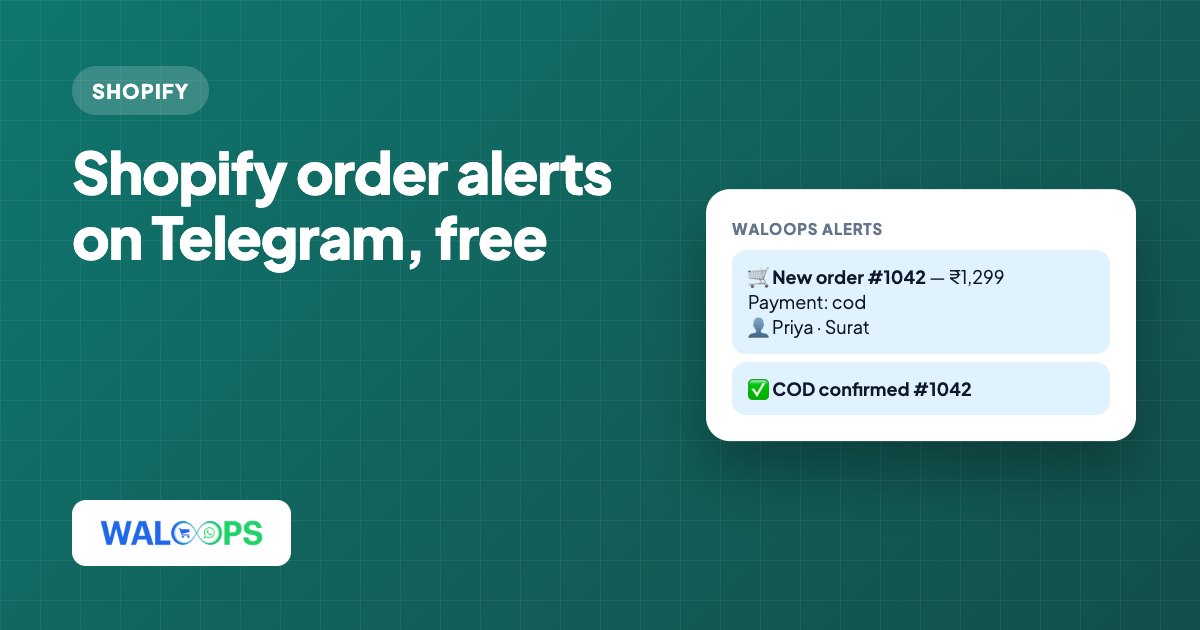
- Keep order alerts in the same chat. New orders, cancellations and COD confirmations can go to the same Telegram chat, so one place shows you everything that needs attention.
Telegram alerts are free on every WALoops plan. See everything they cover on the Telegram alerts page.