Shopify WhatsApp Order Confirmation: Send Order Updates Automatically
How to send Shopify order confirmations, shipping and delivery updates on WhatsApp: which events to use, separate COD and prepaid messages, examples that pass Meta review, and cost per order.
 WALoops team
calendar_month
schedule4 min read
WALoops team
calendar_month
schedule4 min read
In this guide
- Shopify sends order confirmations by email (and SMS in some countries), never on WhatsApp. You need an app on the official WhatsApp Business API.
- Send separate confirmations for prepaid and Cash on Delivery orders. COD buyers should be asked to confirm before you ship.
- Add shipped (with tracking), delivered and a review request. Those four or five messages cover almost every "where is my order?" question.
- Order updates are utility messages, about ₹0.115 each in India. A Shopify WhatsApp integration sets them up without code.
Shopify's order confirmation email does its job, but in India a lot of those emails go unread. Buyers who don't know their order went through place it again, call you, or refuse the parcel when it arrives. A WhatsApp order confirmation arrives in the app they check all day, and they can reply if the address or size is wrong. This guide covers which messages to send, what to write, and how to set them up on a Shopify store.
Can Shopify send order confirmation on WhatsApp?
Not by itself. Shopify's built-in notifications (Settings → Notifications) are emails, plus SMS in a few countries. WhatsApp needs the WhatsApp Business API, which Shopify doesn't provide. You add it with an app that listens to Shopify's order events and sends an approved WhatsApp template each time one fires.
Avoid apps or browser extensions that send through WhatsApp Web on your phone. They break WhatsApp's terms, stop when your phone is offline, and can get your number banned. Everything below uses the official API.
Which Shopify events should trigger a WhatsApp message
| Shopify event | WhatsApp message | Send it? |
|---|---|---|
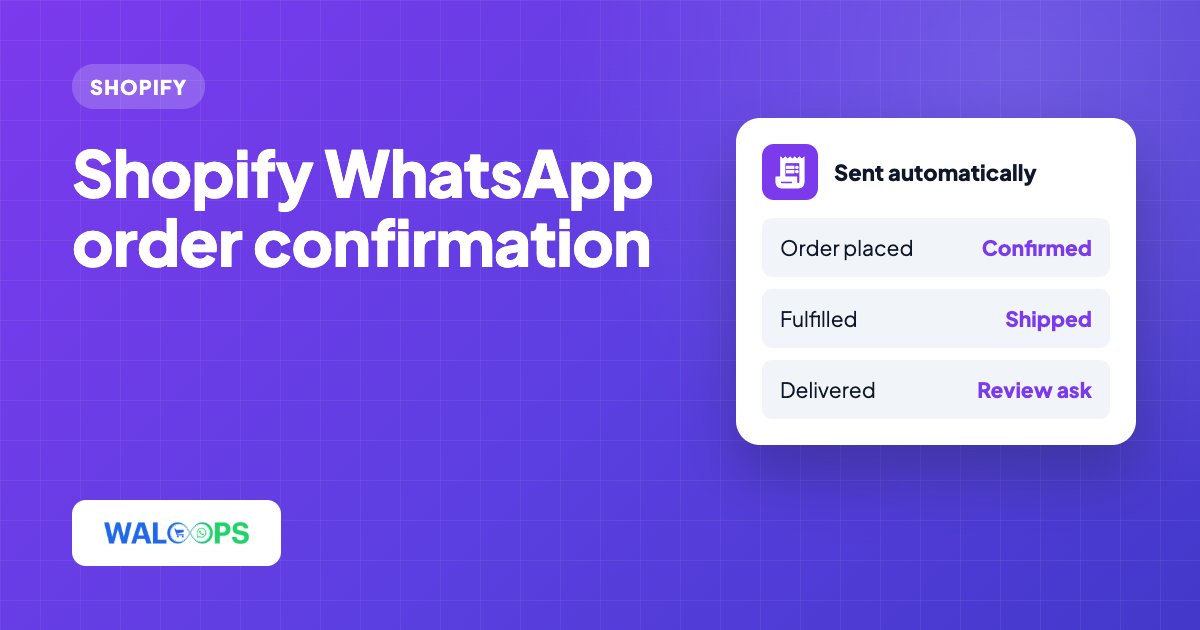
| Order created (prepaid) | Order confirmation with order number and total | Always |
| Order created (Cash on Delivery) | Confirmation with Confirm and Cancel buttons | Always, if you offer COD |
| Fulfillment created | Shipped, with the tracking number or link | Always |
| Shipping status: delivered | Delivered, with a thank-you | Recommended |
| 2 days after delivery | Review request | Recommended |
| Order cancelled | Cancellation and refund timeline | Recommended |
| Refund created | Refund confirmation | Optional |
The "delivered" event only fires when Shopify knows the shipment was delivered, which needs a tracking number from a courier Shopify can follow. If your courier doesn't report back to Shopify, skip that message rather than sending it at the wrong time.
Prepaid vs COD: send two different confirmations
Every Shopify order carries its payment gateway name, so you can split orders with one condition: payment gateway contains "cod" for Cash on Delivery and does not contain for everything else.
- Prepaid buyers already paid, so the message is a simple receipt.
- COD buyers haven't paid anything yet. Ask them to confirm with a tap. The ones who tap Cancel, or never meant to order, are exactly the parcels that would have come back as RTO. A good integration acts on the answer in Shopify: Confirm tags the order, Cancel cancels it. See how COD verification works.
Order message examples you can adapt
Meta approves each message before you can send it, as a template. Keep them short, specific to the order, and free of promotions. These are the messages the WALoops Shopify app ships with:
Order confirmation (prepaid)
Order confirmation (Cash on Delivery)
Order shipped
After the buyer taps Confirm
The name, order number, total and tracking number are filled in from the Shopify order. The template approval guide explains how to get your own versions approved first time.
How to set up Shopify WhatsApp order confirmation
- Install the app. Install WALoops COD Checkout & Sales from the Shopify App Store. It's free.
- Turn on the messages. In your Shopify admin open WALoops → WhatsApp. Prepaid confirmation, shipped, delivered and review request are on the Free plan, with 100 messages included. COD confirmation with buttons, COD to prepaid and cart recovery are on Starter ($9.99 a month).
- Place a test order with your own phone number, once as prepaid and once as COD, and check each message arrives with the right details. The page lists recent messages and whether each was sent.
- Move to your own number when you're ready. On Starter, connect your number from the same page through Meta's signup window. WALoops gets the templates approved on your number and switches over by itself. New to the API? Read how to get the WhatsApp Business API.
Get the phone number right
WhatsApp needs a real mobile number with the country code. Shopify stores whatever the buyer typed, and Indian buyers often type 10 digits with no +91, a landline, or a fake number on COD orders. To cut failed messages:
- Make the phone number required: in Settings → Checkout, set Shipping address phone number to Required.
- Label the field "WhatsApp number for order updates" so buyers know why you want it, which also covers opt-in.
- Verify the number with a WhatsApp OTP before COD orders, so fake numbers never become orders.
What it costs
Meta charges per delivered message. A store sending four utility messages per order (confirmation, shipped, delivered, review) pays about ₹0.46 per order in India before GST, or roughly ₹460 for 1,000 orders a month. With WALoops the first 100 messages are free on the WALoops number, and on your own number WALoops adds nothing per message. The WhatsApp Business API pricing guide has the full rate table.