Shiprocket WhatsApp Abandoned Cart Recovery: Setup Guide
Connect Shiprocket (Fastrr) Checkout to WALoops in 2 minutes and send WhatsApp cart recovery messages with name, cart total, product image and checkout link.
 WALoops team
calendar_month
schedule4 min read
In this guide
- WALoops now integrates natively with Shiprocket (Fastrr) Checkout to recover abandoned carts on WhatsApp.
- Send personalised messages within minutes of a shopper dropping off — featuring their real name, cart total, product image, and a one-tap checkout link.
- AI Agent follow-up (Premium and up): if the customer replies with doubts about sizing, delivery, or payment, your AI agent answers from your store's own information right away.
- No coding or Zapier needed. Setup takes under 2 minutes with WALoops's dedicated Shiprocket webhook connector.
- On your own WhatsApp number, 0% markup on Meta's message rates (about ₹0.8631 per marketing message in India).
For Indian D2C ecommerce brands, checkout abandonment is a constant challenge: many shoppers who start checkout on mobile leave before paying. Email reminders are easy to miss, while WhatsApp is the app those same shoppers open many times a day, so a reminder there is far more likely to be seen and answered.
Shiprocket's Fastrr Checkout has become one of the most popular 1-click checkout solutions in India. Up until now, connecting Fastrr abandoned cart webhooks to WhatsApp required complex custom scripts or third-party webhooks. With WALoops's native Shiprocket Checkout app, you can now launch automated, AI-assisted recovery campaigns in minutes.
Why Shiprocket Fastrr carts get abandoned
Fastrr Checkout streamlines checkout by pre-filling saved addresses, phone numbers, and payment preferences. However, shoppers still drop off due to common friction points:
- Payment hesitation: Unsure whether to pick UPI or Cash on Delivery.
- Delivery questions: Wondering if their order will arrive in time for an upcoming event or festival.
- Sizing or product doubts: Second-guessing fit or color before committing money.
- Distractions: Mobile phone notifications or poor connectivity during OTP entry.
When you reach out on WhatsApp with the exact product they left behind, you meet shoppers on the channel they check dozens of times a day.
How the integration works
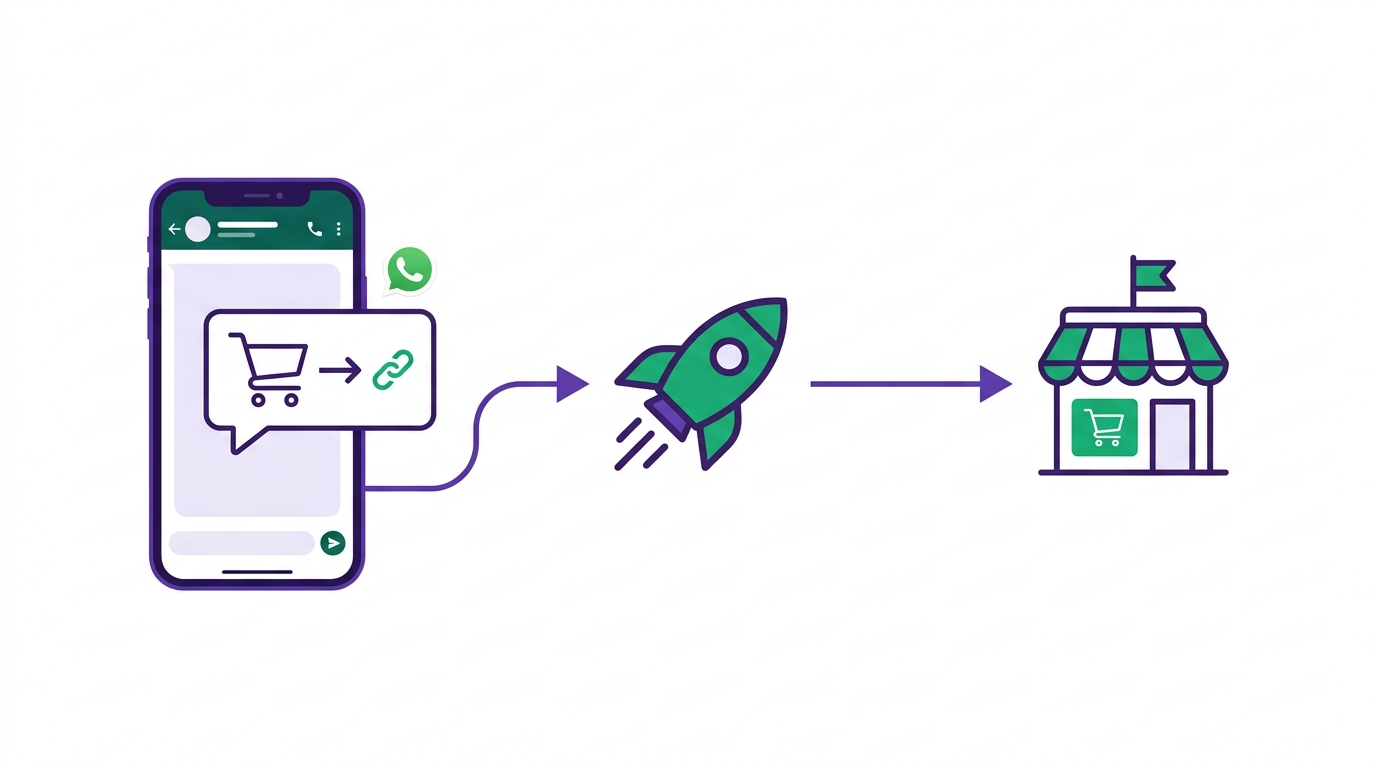
abandoned_checkout webhook. WALoops receives the event, normalises the data (including Indian phone number formats), and immediately queues your automated WhatsApp sequence.
| Step | Action | Time to complete |
|---|---|---|
| 1. Connect App | In WALoops, go to Apps → Shiprocket Checkout and click Connect to get your webhook URL. | 30 seconds |
| 2. Configure Webhook | Paste the webhook URL in your Shiprocket/Fastrr dashboard under Settings → Webhooks → Abandon Cart. | 1 minute |
| 3. Set Up Automation | Create an automation in WALoops with your approved WhatsApp recovery template. | 1 minute |
| 4. AI replies (optional) | On Premium and up, turn on the WALoops AI Agent so replies to recovery messages are answered automatically. | Instant |
Available template variables
WALoops extracts the full cart and customer context from Shiprocket's webhook payload, allowing you to build highly personalized messages:
| Variable | Example value | How to use it |
|---|---|---|
{{customer.first_name}} | Priya | Greet the customer personally in your opening line. |
{{customer.name}} | Priya Sharma | Full customer name for formal communications. |
{{customer.phone}} | 919876543210 | Auto-formatted E.164 phone number. |
{{cart.total}} | 1,499 | Show the exact payable amount. |
{{cart.currency}} | INR | Store currency. |
{{cart.product_summary}} | Cotton Embroidered Kurta | Name of the item left in the cart. |
{{cart.product_image}} | https://cdn.store.com/item.jpg | Use in template header image for high visual recall. |
{{cart.abandon_url}} | https://store.com/?cart-resume=... | Button URL so the customer returns to checkout with one tap. |
Smart phone number handling for India
One common headache with Indian checkout webhooks is phone number formatting. Shiprocket Fastrr often sends raw 10-digit mobile numbers (e.g. 9876543210) without the international country code.
WALoops automatically detects 10-digit numbers and prepends India's 91 country code, ensuring messages are delivered without API rejection. If the number already includes +91 or 91, WALoops cleans it up seamlessly.
The power of combining WhatsApp automation with an AI agent
Traditional recovery messages are a dead end: if a customer replies asking "Can I get this delivered by Friday?", "Is size M true to size?", or "Can I pay ₹200 advance and rest COD?", the lead goes cold unless a live support agent is online.
On the Premium and Advance plans, your WALoops AI Agent is connected directly to the chat:
- Store knowledge: The AI answers from the information you give it: your products, size charts, delivery times, and payment and return policies.
- Instant answers: Doubts are answered in seconds, in the language the shopper writes in, including Hindi and Hinglish.
- Human handover: When a question needs a person, the chat stays in your WALoops inbox so your team can pick it up.
Fastrr webhook payload reference
For technical teams, here is the structure of the incoming Fastrr webhook payload processed by WALoops:
{
  "cart_id": "6acf14f09935b9104a35c387",
  "first_name": "Priya",
  "last_name": "Sharma",
  "phone_number": "9876543210",
  "email": "[email protected]",
  "total_price": 1499.0,
  "currency": "INR",
  "checkout_url": "https://yourstore.com/?cart-resume-id=6acf14f09935b9104a35c387",
  "img_url": "https://cdn.shopify.com/s/files/1/products/kurta.jpg",
  "source_name": "fastrr",
  "latest_stage": "PAYMENT_METHOD",
  "items": [
    {
      "name": "Cotton Embroidered Kurta",
      "price": 1499.0,
      "quantity": 1,
      "img_url": "https://cdn.shopify.com/s/files/1/products/kurta.jpg"
    }
  ]
}
What does it cost?
When you connect your own WhatsApp number, WALoops adds no markup: Meta bills your WhatsApp Business account directly at its official rates. (Messages sent from the WALoops number before you connect your own come with free credits and are then billed per message.)
- Meta marketing message cost: Approximately ₹0.8631 per delivered message in India.
- WALoops platform: The Shiprocket connector and automations are included from the Starter plan; the AI agent is on Premium and up.
- The maths: recovering a single ₹1,500 cart pays for more than a thousand marketing messages at Meta's rate.