WhatsApp Business Account Restricted or Rejected: How to Appeal
Why Meta restricts or rejects a WhatsApp Business account, where to see the reason, how to request a review and how to avoid another restriction.
 WALoops team
calendar_month
schedule3 min read
In this guide
- A restricted WhatsApp Business account can't start new conversations for a period, usually after a pattern of blocks, reports or policy problems.
- A rejected account review means Meta decided the business can't use the WhatsApp Business API, often because of the products sold.
- Both are shown in Business Support Home in Meta Business Suite, with the reason and an option to request a review.
- An appeal works best when you have already fixed the cause and can say exactly what changed.
Meta restricts a WhatsApp Business account when it sees policy violations or too much negative feedback, and rejects it when the business or its products break WhatsApp's Commerce Policy. Open Business Support Home in Meta Business Suite to see the reason, fix the cause, then request a review there. Restrictions on new messages are usually temporary.
What does "WhatsApp Business account restricted" mean?
It means Meta has limited what the account can do, most often blocking new business-initiated conversations for a period. Customers can usually still message you, and you can reply inside the 24-hour window. Template messages, such as order updates and campaigns, are the ones that stop.
| Status | What it means | Usually lasts |
|---|---|---|
| Account review pending | Meta is still reviewing the new WhatsApp account. Messages may be limited until approved. | Days |
| Restricted | New conversations blocked after violations or poor feedback | Temporary, from a day to several weeks |
| Account review rejected | The business can't use the API, often due to the Commerce Policy | Until a successful appeal |
| Number banned | The phone number itself can no longer be used | Until a successful appeal |
Why was my WhatsApp Business account restricted?
Usually because of how messages were sent, not what the business is. Common causes:
- Many blocks and spam reports after a large marketing send.
- Messaging people who never opted in, such as bought or scraped lists.
- Repeated low-quality templates that Meta paused more than once.
- Misleading content, such as fake urgency or messages pretending to be someone else.
Why was my WhatsApp account review rejected?
Mostly because of what the business sells. WhatsApp's Commerce Policy doesn't allow some products and services, such as alcohol, tobacco, weapons, adult products, some medical products, real-money gambling and some financial services. A website that doesn't show what the business does, or business details that don't match, can also lead to rejection.
How do I appeal a WhatsApp Business restriction?
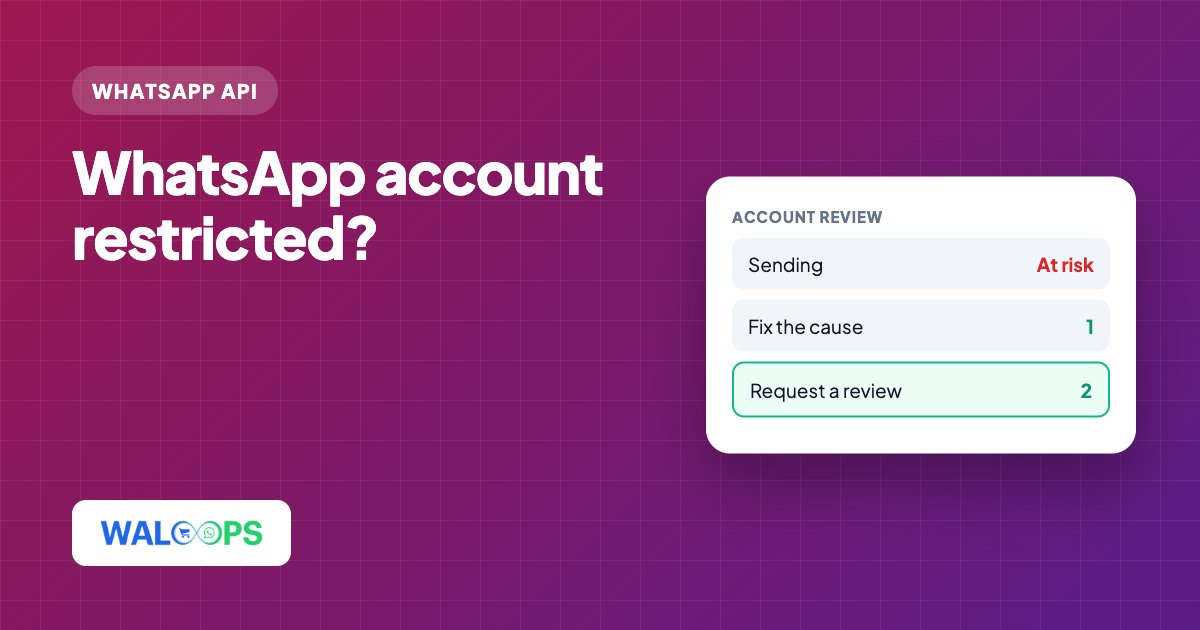
Request a review from Business Support Home in Meta Business Suite. Fix the cause first, because Meta checks the account again.
- Open Business Support Home in Meta Business Suite and select the WhatsApp Business account.
- Read the reason Meta gives for the restriction or rejection.
- Fix the cause. Stop the campaign, remove products the policy doesn't allow from your website, or correct business details.
- Request a review and explain briefly what you changed. Plain facts work better than a long letter.
- Wait for the decision. Meta usually answers within a few days.
How do I prevent another restriction?
Keep your quality rating high: send marketing only to people who opted in, not too often, and make every message clearly from your store. Watch the rating weekly and slow down when it turns yellow.
See how the WhatsApp quality rating works.
How does WALoops show account problems?
The WhatsApp page in your WALoops dashboard has a health card that reads your account from Meta. Its Sending line shows Allowed, Limited or At risk, with Meta's own description of each problem and the suggested fix. The Account review line shows Approved, Pending or Rejected; when rejected, it links straight to Business Support Home so you can see the reason and appeal. The same card shows quality rating, business verification and display name.
WALoops plans start at $9.99 a month; see pricing or the WhatsApp Business API setup guide.