WhatsApp Error 131026 (Message Undeliverable): Causes and Fixes
What WhatsApp error 131026 means, the three reasons Meta can't deliver a message, how to check the number, and how to stop it at checkout.
 WALoops team
calendar_month
schedule3 min read
WALoops team
calendar_month
schedule3 min read
In this guide
- Error 131026 ("Message undeliverable") means WhatsApp accepted your request but couldn't deliver the message to that phone.
- The usual causes: the number isn't on WhatsApp, it's saved in the wrong format, or the customer's WhatsApp app is out of date or hasn't accepted the latest terms.
- Check the number first. Most 131026 errors come from a missing country code or a landline.
- Some cases clear up by themselves once the customer updates WhatsApp, so one retry later is worth it; repeated retries aren't.
WhatsApp API error 131026 means Meta accepted your message request but could not deliver it to the recipient's phone. The number may not be registered on WhatsApp, may be formatted incorrectly, or the recipient may need to update the app or accept new terms. Check the number first, then retry once later.
What does WhatsApp API error 131026 mean?
Error 131026 means Meta couldn't deliver a message to the recipient. Meta's documentation lists these reasons:
- The recipient's phone number isn't a WhatsApp number.
- The recipient hasn't accepted WhatsApp's latest Terms of Service and Privacy Policy.
- The recipient is using an old version of WhatsApp that doesn't support the message.
Meta doesn't say which of these applies to a given message, so you narrow it down yourself.
How do I fix WhatsApp API error 131026?
Fix error 131026 by checking the number format and WhatsApp availability, then retrying once later.
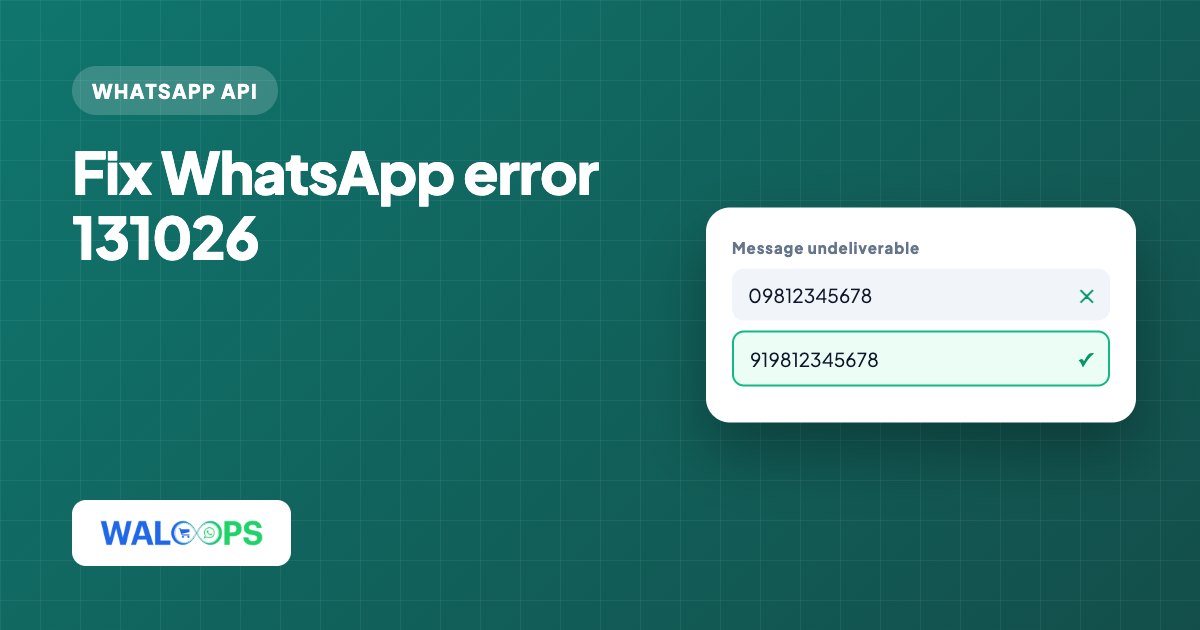
- Check the number format. WhatsApp numbers must include the country code, for example 919812345678 for India, with no leading zero and no spaces. A checkout field that saved "09812345678" or "9812345678" without 91 is the most common cause.
- Check that the number has WhatsApp. Landlines and some business lines never had WhatsApp. If you can, open a chat with the number from a phone to see whether it exists.
- Try once more later. If the number is right and on WhatsApp, the customer's app is probably out of date or waiting for them to accept new terms. Both clear up when they open and update WhatsApp, so one retry after an hour or two often succeeds.
- Reach the customer another way. If the retry fails too, use email or SMS for that order and ask them to check their WhatsApp number.
How can I prevent error 131026 at checkout?
Prevent error 131026 by collecting a country-coded WhatsApp number, verifying it before the order, and clearly labeling the checkout field.
- Ask for the country code. Use a phone field with a country selector, or prefill the country code for your main market.
- Verify the number before the order. A WhatsApp OTP at checkout proves the number is on WhatsApp before you rely on it for order updates. See COD OTP verification on Shopify for how this works on a store.
- Label the field clearly. "WhatsApp number" gets better numbers than "Phone".
How does WALoops handle error 131026?
WALoops handles error 131026 by retrying a failed automated message once about an hour later with the same template and fields. If delivered, the original message stops showing as failed; if it fails again, it stays failed and isn't retried. You can see each message's delivery status in the conversation in the shared inbox.
How is error 131026 different from 131047 and 131049?
Error 131026 means WhatsApp couldn't deliver the message to the phone; 131047 concerns messages outside the 24-hour window, while 131049 means Meta held back a marketing message.
| Code | Meaning | What to do |
|---|---|---|
| 131026 | Can't deliver to this phone | Check the number, retry once later |
| 131047 | Free-form message outside the 24-hour window | Send a template instead |
| 131049 | Meta held back a marketing message to protect user engagement | Don't resend straight away; improve targeting |
For 131047, see how to fix WhatsApp error 131047.