Instagram Story Reply Automation: Auto DM Story Replies and Mentions
How to automatically DM people who reply to your story or mention you in theirs, with ideas, setup steps and example messages.
 WALoops team
calendar_month
schedule3 min read
In this guide
- Story replies and story mentions arrive as DMs, so they can be answered automatically, in seconds.
- A story reply is someone replying to your story. A story mention is someone tagging you in their own story.
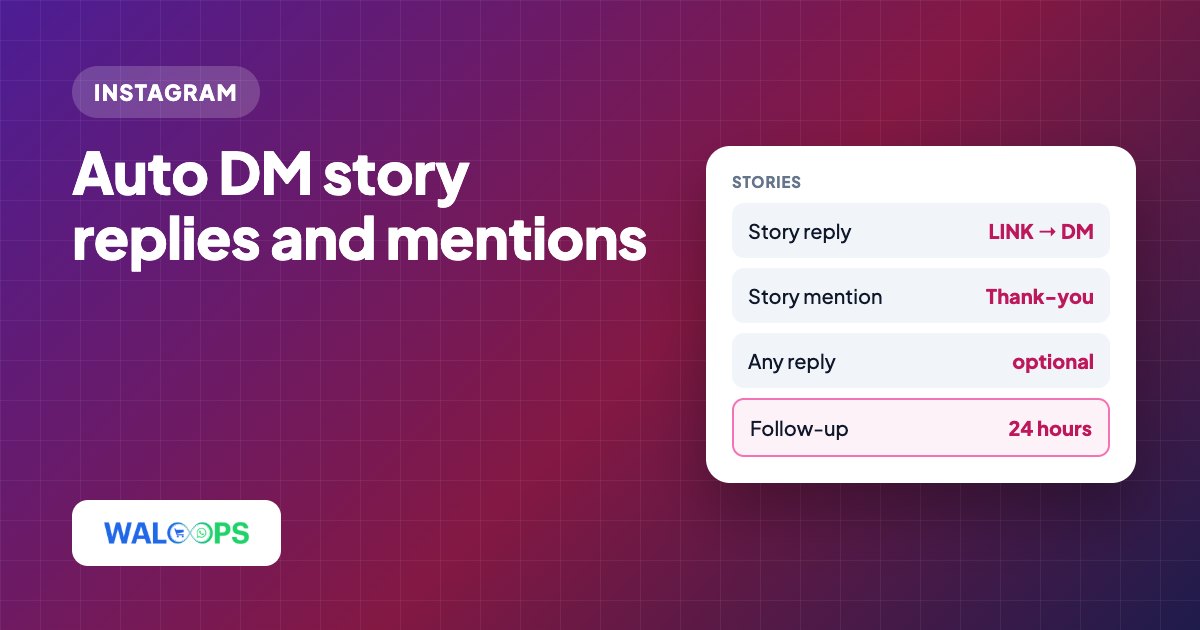
- For replies, ask people to reply with a word ("reply YES") and send the link back. For mentions, send a thank-you and a code.
- Because the person messaged you first, you can keep the conversation going for 24 hours after their last message.
Yes. Instagram story replies and mentions can be answered automatically because both arrive in your DMs. In WALoops, choose a keyword or any-reply trigger and send a link or message in seconds; you can keep the conversation going for 24 hours after the person's last message.
Replies vs mentions: what's the difference?
Replies are responses to your story; mentions tag you in someone else's story. Both arrive in your DMs.
| Story reply | Story mention | |
|---|---|---|
| What happens | Someone types a reply to your story | Someone tags @you in their own story |
| Where it shows | Your DMs, with the story attached | Your DMs, as "mentioned you in their story" |
| Best automatic reply | The link or info they asked for | A thank-you, often with a code |
| Keyword matching | Yes, or any reply | No text to match, every mention |
What story automations work?
You can automate link replies, mention thank-yous, and launch waitlist capture.
"Reply LINK" stories
Post a story about a product, a blog post or a sale, and add text: "Reply LINK and I'll DM it to you". Every reply with LINK gets the link back in seconds. It works like a link sticker, with one difference: the person starts a conversation with you, so you can follow up.
Thank-you for mentions
When a customer tags you in an unboxing or outfit story, send a warm thank-you and a discount code for their next order. It costs little and makes people more likely to tag you again. Resharing their story to your own is still done by hand in the Instagram app.
Waitlists and launches
"Reply EARLY to get first access." Pair it with email capture and every reply becomes a launch subscriber.
How do I set up story automation?
In WALoops, create an automation, choose a story trigger, write the DM, then test it.
- Open Instagram → Auto-DM and click New automation.
- Pick Story reply to DM or Thank story mentions, or choose the trigger in step 1 of the editor.
- For story replies, choose Contains a keyword (for example LINK) or Any reply. Mentions always answer every mention.
- Write the DM: text, or text with a link button. On Starter, story DMs can also be product cards.
- Optionally ask them to follow first or share their email.
- Save, then test by replying to your story from another account.
What should a story auto-reply say?
For replies, send a link; for mentions, send a thank-you or discount code.
Story reply with a keyword
[ Shop the sale ]
Story mention
Story triggers are part of WALoops Instagram auto DM, along with comment-to-DM, follow-to-unlock and email capture, from ₹499 ($5) a month. For comments, see Instagram comment auto-reply.