Partial COD on Shopify: How Advance Payment for COD Orders Works
Partial COD asks buyers to pay a small advance online and the rest in cash. How it works on Shopify, how much to ask for, which orders to use it on, and what to check with your courier.
 WALoops team
calendar_month
schedule3 min read
WALoops team
calendar_month
schedule3 min read
In this guide
- Partial COD means the buyer pays a small part of the order online, and the rest in cash on delivery.
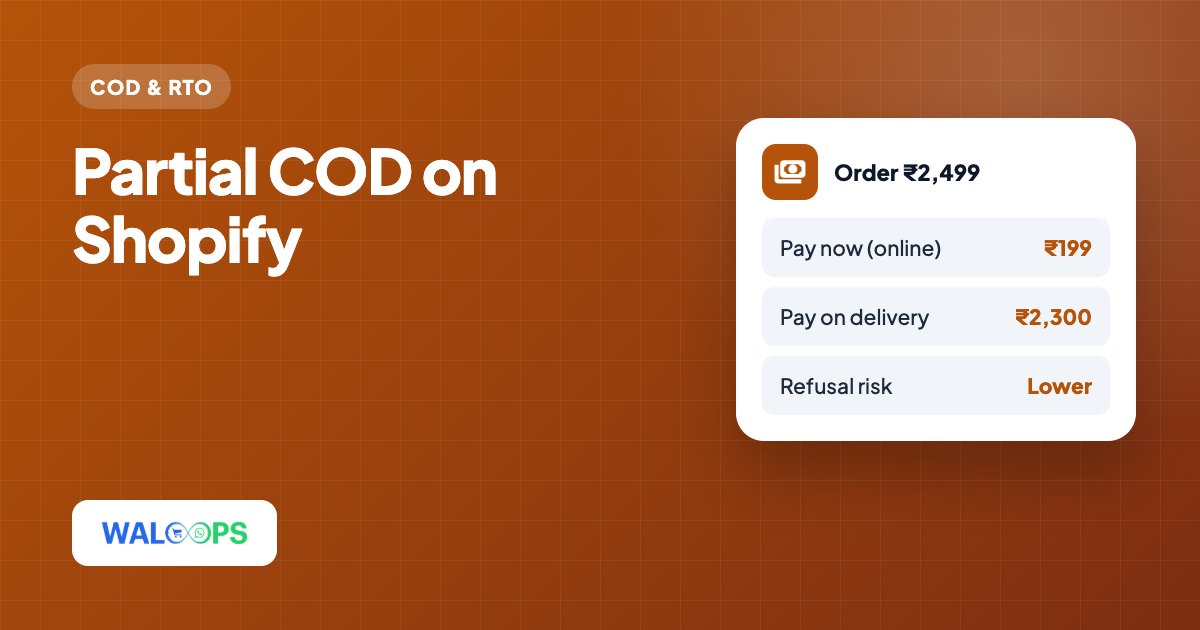
- A buyer who has paid even ₹99 upfront is far less likely to refuse the parcel, so partial COD cuts RTO on risky orders.
- Common choices: a fixed advance, a percentage of the order, or just the shipping charge.
- Use it where returns hurt most (high-value carts, high-RTO PIN codes, certain products), not on every order.
Full cash on delivery asks the buyer for nothing until the parcel arrives, and that's why it's both popular and risky. Partial COD sits in between: the buyer commits a little money now and pays the rest at the door. For many Indian stores it's the most effective single change for orders that keep coming back, because it filters out buyers who weren't serious without forcing everyone to prepay.
How partial COD works
- The buyer chooses Partial COD at checkout and sees exactly what they'll pay now and what they'll pay on delivery.
- They pay the advance online, through your normal payment gateway.
- The order is created in Shopify with the advance paid and the balance due.
- The courier collects the balance in cash at delivery.
Because the advance goes through your existing gateway, refunds and payouts work as usual if the order is later cancelled.
How much advance to ask for
| Option | Example | Good for |
|---|---|---|
| Shipping charge only | Pay ₹79 shipping now | Most stores. Easy to explain: "you only prepay delivery". |
| Fixed amount | Pay ₹199 now | Stores with similar order values |
| Percentage | Pay 20% now | Wide price ranges, high-value items |
Keep the advance small. The goal is commitment, not cash flow: ₹99 to ₹299, or 10 to 25%, is typical. Ask for too much and buyers who would have paid full COD will leave instead.
Which orders should get partial COD
Showing partial COD on every order costs you sales from buyers who won't pay anything online. Target it:
- High-value carts, where one returned parcel wipes out the margin of several orders.
- PIN codes with high RTO in your own delivery history.
- Products that come back often, such as size-sensitive clothing or impulse buys.
- First-time buyers, while returning customers with a good record keep full COD.
A small discount for choosing partial COD (for example ₹50 off) makes the option feel like a deal rather than a demand.
Check how your courier handles the balance
This is the step stores forget. The courier must collect the balance, not the full order total. Before you switch partial COD on:
- Place a test partial COD order and look at the COD amount your shipping app (Shiprocket, Delhivery, etc.) picks up for it.
- If it shows the full total, adjust the setting in your shipping app or edit the COD amount before you create the shipment.
- Make sure the buyer's confirmation message states both amounts: paid now and due on delivery.
Partial COD vs other ways to cut RTO
Partial COD works best together with other steps, not instead of them. A WhatsApp OTP before the order (see COD OTP verification) catches fake numbers, and a COD confirmation after the order catches second thoughts. A prepaid discount moves some buyers off COD entirely (see COD to prepaid). The 8 fixes for COD RTO puts them in order.
Setting up partial COD on Shopify
Shopify doesn't offer partial COD on its own, so you need an app. In the WALoops Shopify COD app, partial COD is on the free plan for 30 orders a month (then $0.10 per order). You can choose a percentage, a fixed amount or shipping-only advance, add a discount and your own wording, and limit it to certain product types or tags. The balance due is recorded on the Shopify order. See our comparison of Shopify COD apps for how other apps price partial COD.