How to Reduce COD RTO on Shopify: 8 Fixes for Indian Stores
Returned COD parcels eat your margin twice. Eight practical fixes, from OTP at checkout to WhatsApp order confirmation and partial COD, in the order most stores should add them.
 WALoops team
calendar_month
schedule5 min read
WALoops team
calendar_month
schedule5 min read
In this guide
- Why COD orders come back
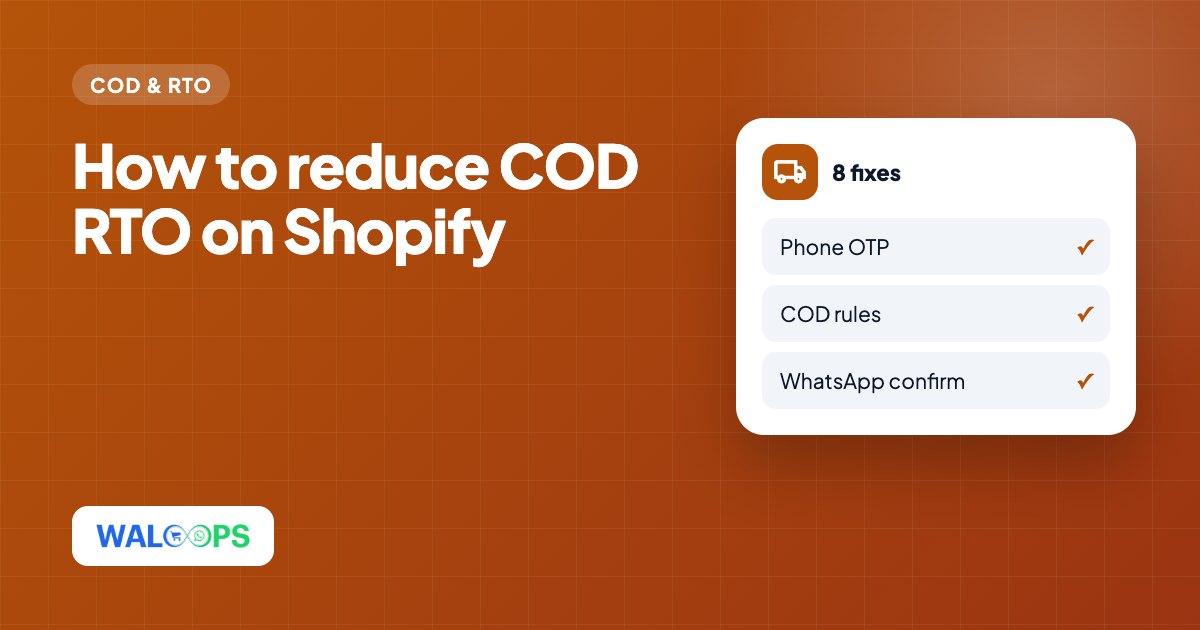
- 1. Verify the phone number with an OTP
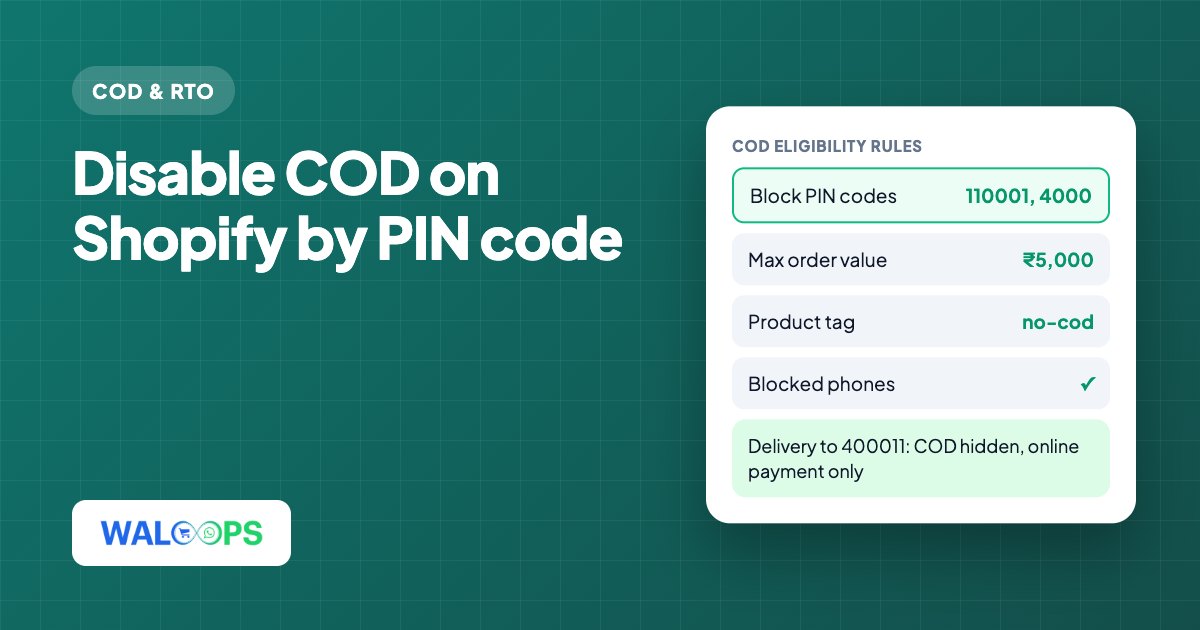
- 2. Set COD rules
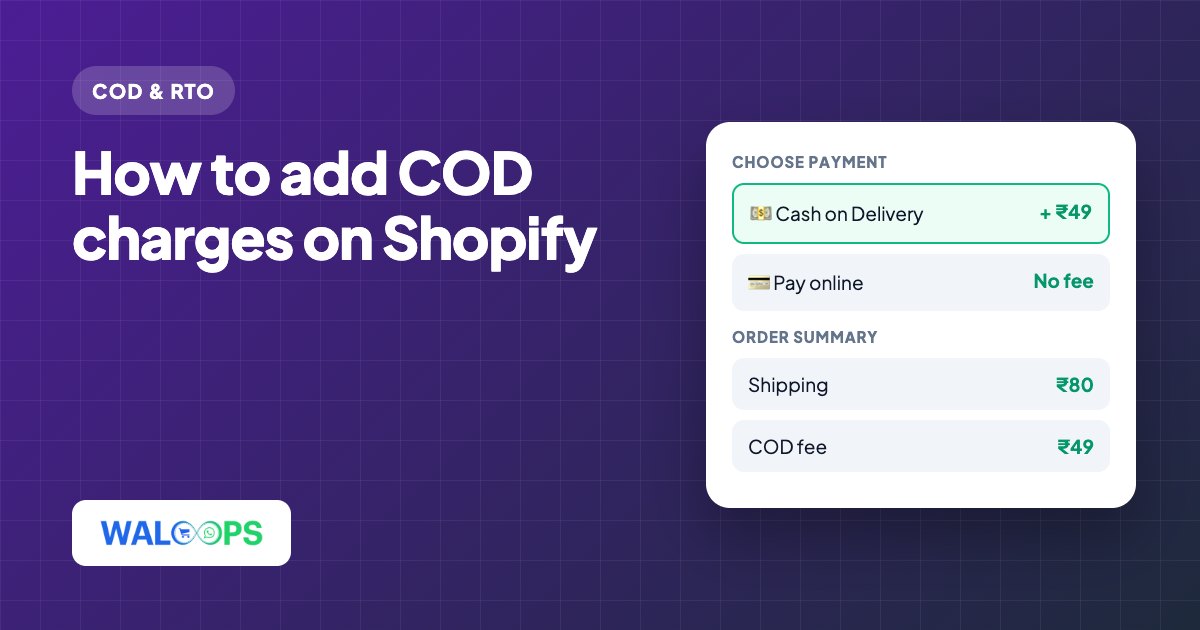
- 3. Add a small COD fee
- 4. Confirm every COD order on WhatsApp before you ship
- 5. Offer a discount for paying online
- 6. Use partial COD for risky orders
- 7. Send a pay-online link after a COD order
- 8. Keep the buyer informed until delivery
- How to measure it
- Doing this on Shopify
- Most COD returns (RTO, return to origin) come from orders that were never serious, wrong numbers and bad addresses, or buyers who changed their mind before delivery.
- Fix it in layers: check the buyer before the order is placed, confirm the order before you ship, and give buyers a reason to pay online.
- Start with free fixes (phone OTP, COD rules, a COD fee). Add WhatsApp order confirmation next. It is the single step that stops most bad orders before they cost you shipping.
Cash on delivery is still how a large share of Indian shoppers want to pay, so switching it off is rarely an option. But every COD parcel that comes back costs you twice: you pay the forward shipping and the return shipping, and the stock is stuck in transit for a week or more. On low-priced products, one RTO can wipe out the profit from several good orders.
This guide lists eight fixes in the order most Shopify stores should add them, starting with the cheapest.
Why COD orders come back
Before fixing RTO, it helps to know which kind you have. Look at your last 100 returned COD orders and sort them into these groups:
| Cause | What it looks like | Best fix |
|---|---|---|
| Fake or joke orders | Wrong or unreachable phone number, made-up names | Phone OTP at checkout |
| Impulse orders | Buyer ordered on a whim and refuses at the door | WhatsApp order confirmation, partial COD |
| Address problems | Courier can't find the address or the buyer | PIN code autofill, confirmation with the address shown |
| Serial refusers | Same phone number or area returns again and again | COD rules by phone and PIN code |
| Delivery delays | Buyer bought elsewhere while waiting | Faster dispatch, delivery updates on WhatsApp |
Your courier's NDR (non-delivery report) reasons help here, but take them with a pinch of salt: "customer not available" often means "customer did not want it".
1. Verify the phone number with an OTP
Ask COD buyers to confirm their phone number with a one-time password before the order is placed. It takes a few seconds for a real buyer, and it stops orders with fake or mistyped numbers, which are the easiest RTOs to prevent.
WhatsApp OTP works well for Indian shoppers because most already have WhatsApp open, and you don't need the DLT registration that SMS needs. See WhatsApp OTP vs SMS OTP for the full comparison, and COD OTP verification on Shopify for how it fits into checkout.
2. Set COD rules
You don't have to offer COD to everyone. Common rules:
- Cart value limits. Hide COD above a value where a refusal would hurt too much, or below one where shipping costs more than the margin.
- PIN code rules. Turn COD off for PIN codes where your courier data shows high refusal rates.
- Phone number block list. Numbers that refused before should see prepaid options only.
- Product rules. Keep COD off for items that are easy to order on impulse and expensive to return, like large or fragile products.
3. Add a small COD fee
A fee of ₹29 to ₹79 on COD orders does two things: it covers part of the cost of the returns you still get, and it nudges buyers who don't mind paying online to do so. Keep it small and visible, not a surprise at the last step, or it becomes a reason to abandon.
4. Confirm every COD order on WhatsApp before you ship
This is the fix with the biggest effect for most stores. As soon as a COD order comes in, the buyer gets a WhatsApp message with the order summary and delivery address, and two buttons:
What happens next:
- Confirm: the order is tagged as confirmed in Shopify and goes to packing.
- Cancel: the order is cancelled in Shopify before any shipping cost is spent.
- No reply: hold it and call, or cancel it after a set time. Orders that never get confirmed are the ones most likely to come back.
The buyer also sees their address, so wrong addresses get corrected before dispatch instead of at the courier's door. This is a utility message in Meta's terms (it confirms an order the buyer placed), so it is billed at the lower utility rate, as long as it doesn't include promotional wording.
5. Offer a discount for paying online
A prepaid discount turns part of your COD traffic into prepaid orders, which can't be refused at the door. Keep the maths simple: if an RTO costs you ₹150 in shipping both ways and one in five COD orders comes back, each COD order carries about ₹30 of expected RTO cost. A prepaid discount up to that amount pays for itself. Our COD to prepaid guide goes through more ways to do this.
6. Use partial COD for risky orders
Partial COD asks the buyer to pay a small part online, like ₹99 or 10%, and the rest on delivery. Someone who has paid something is far less likely to refuse the parcel, and the amount covers part of the return if they do. It works well as the only COD option on high-value carts or risky PIN codes. More in partial COD on Shopify.
7. Send a pay-online link after a COD order
Some COD buyers would happily pay online; they chose COD out of habit. A WhatsApp message after the order with a payment link, sometimes with a small incentive, converts part of them to prepaid before you ship. It takes nothing from buyers who ignore it.
8. Keep the buyer informed until delivery
Long silences between order and delivery give buyers time to change their mind. Shipping and out-for-delivery messages on WhatsApp keep the order front of mind, and make it much more likely the buyer is home, with cash, when the courier arrives. The Shopify WhatsApp order confirmation guide lists which updates to send, and a Shopify WhatsApp integration sends them automatically.
How to measure it
Track these every week, split by COD and prepaid:
- RTO rate: returned orders ÷ shipped orders.
- Prepaid share: prepaid orders ÷ all orders.
- Confirmation rate: confirmed COD orders ÷ COD orders placed. A falling rate is an early warning of bad traffic, often from one ad campaign.
- Cost per delivered order: the number that actually matters. A fix that lowers RTO but also cuts orders too much isn't a win.
Add one fix at a time and give it two weeks, so you can see what each one does.
Doing this on Shopify
Our Shopify app, WALoops COD Checkout & Sales, covers every step above in one place. The free plan includes the one-panel COD checkout with WhatsApp OTP, COD rules by cart value, PIN code and phone, a COD fee, partial payment for 30 orders a month and WhatsApp order confirmation. The Starter plan ($9.99/month) adds WhatsApp COD verification with Confirm and Cancel, the prepaid discount and the COD-to-prepaid message.
On WooCommerce? Steps 1, 3, 4 and 5 work there too. See WooCommerce COD verification on WhatsApp.