WhatsApp API Number Disconnected or Flagged: How to Fix It
Why a WhatsApp Business API number shows disconnected, pending, flagged or banned, how to check its status in WhatsApp Manager and how to reconnect.
 WALoops team
calendar_month
schedule3 min read
In this guide
- A WhatsApp API number shows as disconnected when Meta no longer lets your platform send from it, or when the number itself isn't in a Connected state.
- The common causes: app access was removed in Meta Business Suite, the number was deleted or moved, or Meta flagged or restricted it.
- Check the number's status in WhatsApp Manager first. If it says Connected there, reconnect it to your platform.
- Messages that failed while disconnected aren't sent later. Resend the important ones.
A WhatsApp Business API number stops working when Meta reports it as anything other than Connected, or when your messaging platform loses access to it. Open WhatsApp Manager in Meta Business Suite and check the number's status. If it is Connected there, reconnect the number in your platform. If it is flagged, restricted or banned, fix that with Meta first.
Why does my WhatsApp API number say disconnected?
There are two different problems that look the same: your platform can't reach the number, or Meta has changed the number's status.
| What you see | Likely cause | Fix |
|---|---|---|
| Platform can't reach the number at all | App access removed in Business Settings, or the number deleted | Reconnect through your platform's signup flow |
| Status Pending | Number added but registration not finished | Finish verification of the number |
| Status Flagged | Quality dropped; Meta warns before lowering the limit | Pause marketing and improve quality |
| Status Restricted | New conversations blocked for a period | See Business Support Home, wait or appeal |
| Status Banned | Number no longer allowed on WhatsApp | Appeal in Business Support Home |
| Status Migrated or Deleted | Number moved to another account or removed | Connect the number where it now lives |
How do I check my WhatsApp number status?
Open Meta Business Suite, go to WhatsApp Manager, then Phone numbers. Each number shows its status, quality rating and messaging limit. Connected means Meta is happy with it, and any problem is on the platform side.
How do I reconnect a WhatsApp API number?
Run the connection flow again from your platform. With Embedded Signup you log in with Facebook, pick the same business and WhatsApp account, and select the existing number. Your templates, display name and quality rating stay, because they belong to the WhatsApp account, not the platform.
- Check Business Settings in Meta Business Suite. Under Apps or System users, make sure your platform still has access to the WhatsApp account.
- Start the connection again from your platform's WhatsApp page.
- Choose the same business and WhatsApp account, and select the existing number.
- Send a test message to your own phone.
- Resend failed messages. Order updates refused while disconnected are not queued.
What does a flagged WhatsApp number mean?
Flagged means the number's quality rating has dropped to low. It is a warning: if quality doesn't improve within about 7 days, Meta lowers the messaging limit. Sending still works, so this is the time to stop marketing messages and only send updates customers expect.
See how to fix a low quality rating.
Is the number disconnected because I opened WhatsApp on my phone?
It can be. A number registered on the Cloud API stops working there if it is registered again in the WhatsApp or WhatsApp Business app without coexistence. With coexistence, the same number runs on the Business app and the API together, and removing the link from the app disconnects the API side.
For the opposite problem, see "Phone number already registered" on the WhatsApp API.
How does WALoops warn about a disconnected number?
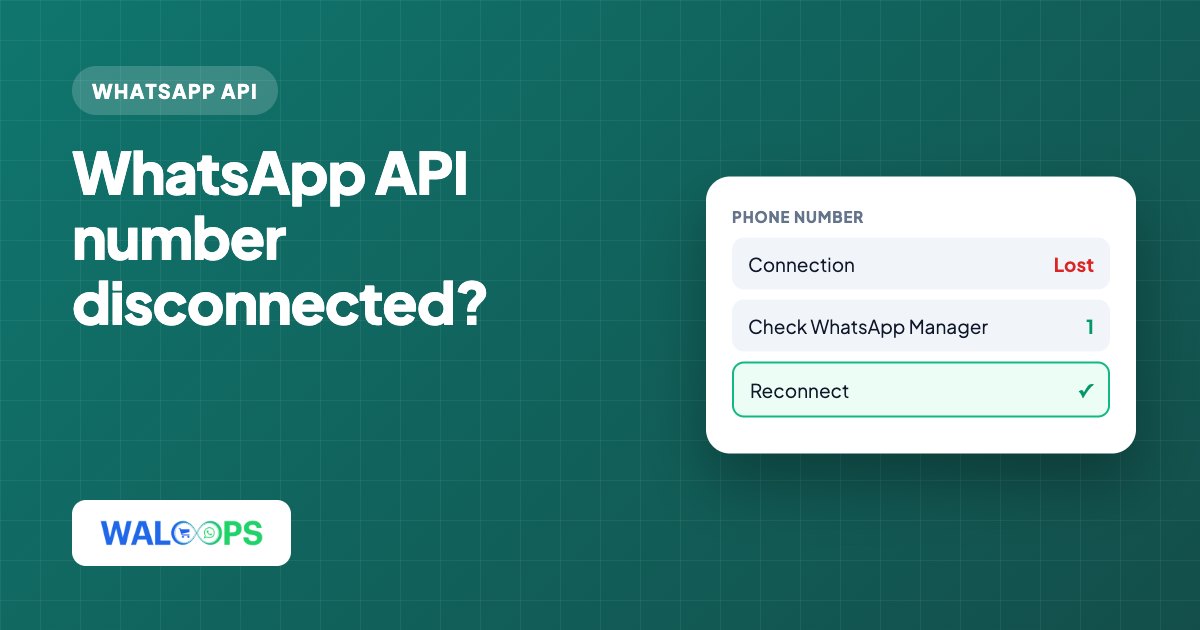
The WhatsApp page in your WALoops dashboard has a health card that checks the number with Meta. If WALoops can no longer reach the number, because access was removed or the number was deleted, the Connection line shows Lost with a Reconnect button. If Meta reports any status other than Connected, the card shows that status. It also shows the Sending state (Allowed, Limited or At risk) with Meta's own fix for each problem. Plans start at $9.99 a month; see pricing.