WhatsApp Messaging Limit: How to Go From 250 to Unlimited Customers a Day
The WhatsApp API messaging limit tiers (250, 1K, 2K, 10K, 100K, unlimited), what counts towards them and how to raise your limit from 250.
 WALoops team
calendar_month
schedule4 min read
In this guide
- What is the WhatsApp messaging limit?
- What are the WhatsApp messaging limit tiers?
- How do I increase my WhatsApp messaging limit from 250?
- How long does it take to go from 250 to 1,000?
- What makes the messaging limit go down or stop growing?
- Does the limit apply to order updates and OTPs?
- How can I see my messaging limit in WALoops?
- The WhatsApp messaging limit is how many different customers your business can start a conversation with in a rolling 24 hours, using template messages.
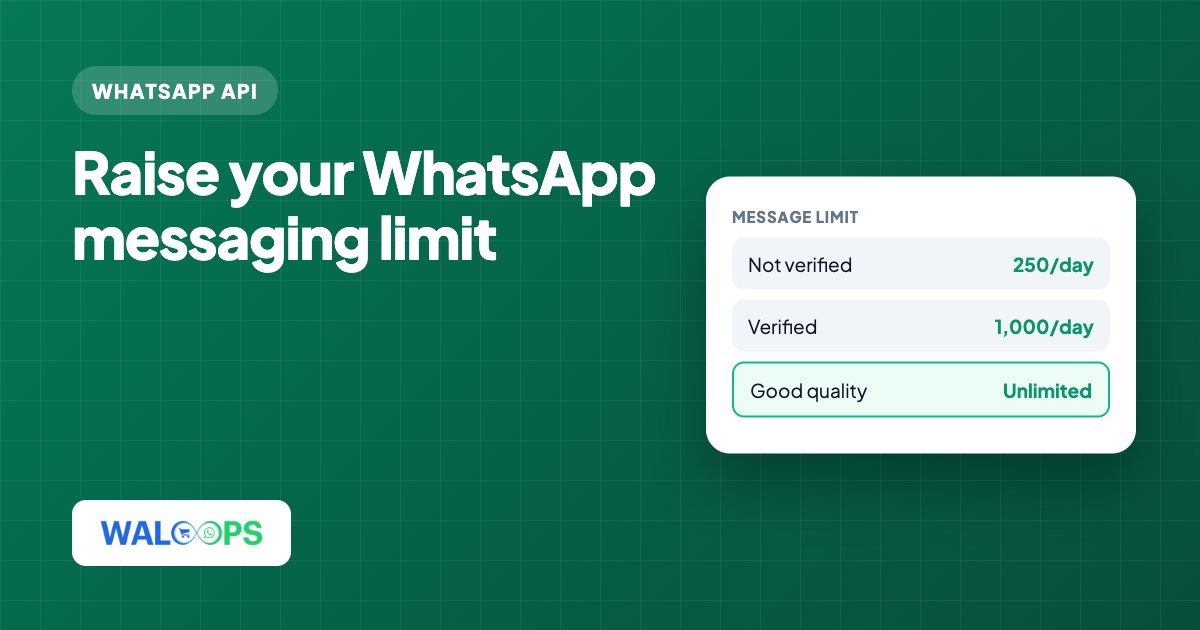
- New, unverified businesses start at 250 customers a day. Meta raises it in steps: 1,000, 2,000, 10,000, 100,000, then unlimited.
- Replies to customers who message you first don't count against the limit.
- To move up: verify your business, keep your quality rating high, and actually use most of your current limit.
The WhatsApp messaging limit is the number of unique customers a business can send template messages to in a rolling 24 hours. New accounts start at 250. Meta raises the limit to 1,000, then higher, after business verification and when you send to many customers without being blocked or reported. Replies inside a customer-started chat are never capped.
What is the WhatsApp messaging limit?
It is a cap on business-initiated conversations: how many different people you can send a template message to in any 24-hour window. Sending three messages to the same customer counts once. Messaging 300 different customers on a 250 limit means 50 of them won't get it.
The limit applies to template messages, the pre-approved messages you send first, such as order updates, booking confirmations, campaigns and login codes. When a customer writes to you, you can reply freely for 24 hours, and those replies don't use up the limit.
What are the WhatsApp messaging limit tiers?
Meta uses six tiers. You see the tier your number is on in WhatsApp Manager, and in WALoops on the WhatsApp page.
| Tier | Unique customers per 24 hours | Typical stage |
|---|---|---|
| TIER_250 | 250 | New number, business not verified |
| TIER_1K | 1,000 | Business verified, or early good sending |
| TIER_2K | 2,000 | Steady sending with good quality |
| TIER_10K | 10,000 | Regular campaigns and order updates |
| TIER_100K | 100,000 | Large stores and brands |
| Unlimited | No cap | High volume with high quality |
How do I increase my WhatsApp messaging limit from 250?
Complete Meta business verification first; it is the step that takes most businesses above 250. After that, Meta raises the limit on its own as you send.
- Verify your business in Meta Business Suite under Security Centre. Upload a document, such as a GST certificate, that shows exactly the legal name and address you entered.
- Get your display name approved. An unapproved name holds the account back.
- Send to real customers. Meta looks at how much of your current limit you use. A number that sends to 20 people a day has no reason to move up.
- Keep quality high. Send messages people expect, such as order and booking updates, and don't blast offers to old lists.
- Check the tier again after a few days. Upgrades happen automatically. There is no form to request one.
If verification was rejected, the business verification guide covers the usual causes and the documents that work for Indian businesses.
How long does it take to go from 250 to 1,000?
Usually a few days after business verification is approved, if you keep sending. Meta doesn't publish a fixed timeline. Accounts that send very little can stay on the same tier for weeks, because the next tier is only unlocked when the current one is in use.
What makes the messaging limit go down or stop growing?
A falling quality rating. When many customers block or report your messages, Meta stops raising the limit and can pause the templates that caused it.
- Marketing sent too often to the same people.
- Messages to people who never opted in, such as numbers bought or copied from a marketplace.
- Unclear sender. A message without your store name or order details looks like spam.
See what the WhatsApp quality rating means and how to fix it.
Does the limit apply to order updates and OTPs?
Yes. Utility and authentication templates count the same as marketing ones, because each starts a conversation with a customer. A store on the 250 tier that gets 300 orders in a day can't send all 300 order confirmations. This is why a big sale or launch should only start after the number has moved past 250.
How can I see my messaging limit in WALoops?
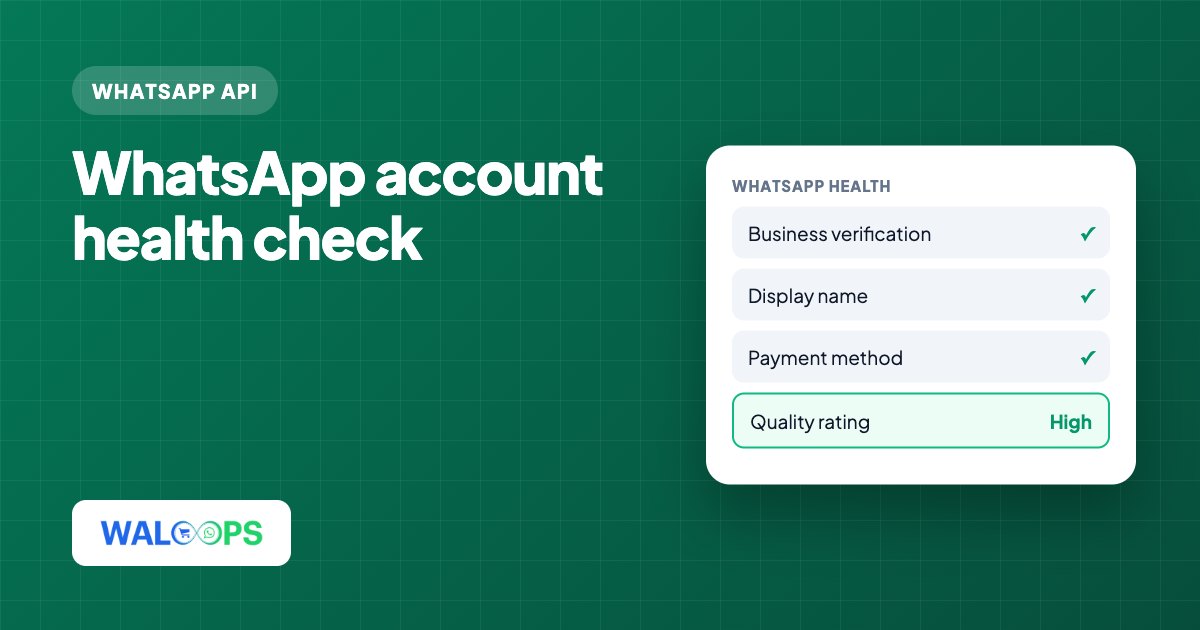
Open the WhatsApp page in your WALoops dashboard after connecting your own number. Its health card reads the tier from Meta and shows it as, for example, "250 customers a day", with a note that business verification raises it. The same card shows business verification, display name, quality rating and payment method, so you can see what is holding the number back.
WALoops plans start at $9.99 a month, with no markup on Meta's message fees. See pricing, or the guide to getting the WhatsApp Business API if you haven't connected a number yet.