Best WooCommerce WhatsApp Plugins (2026): Chat Buttons vs Order Notifications
The four kinds of WooCommerce WhatsApp plugin, what each one can and can't do, the risk with unofficial senders, and how to pick the right one for your store.
 WALoops team
calendar_month
schedule4 min read
WALoops team
calendar_month
schedule4 min read
In this guide
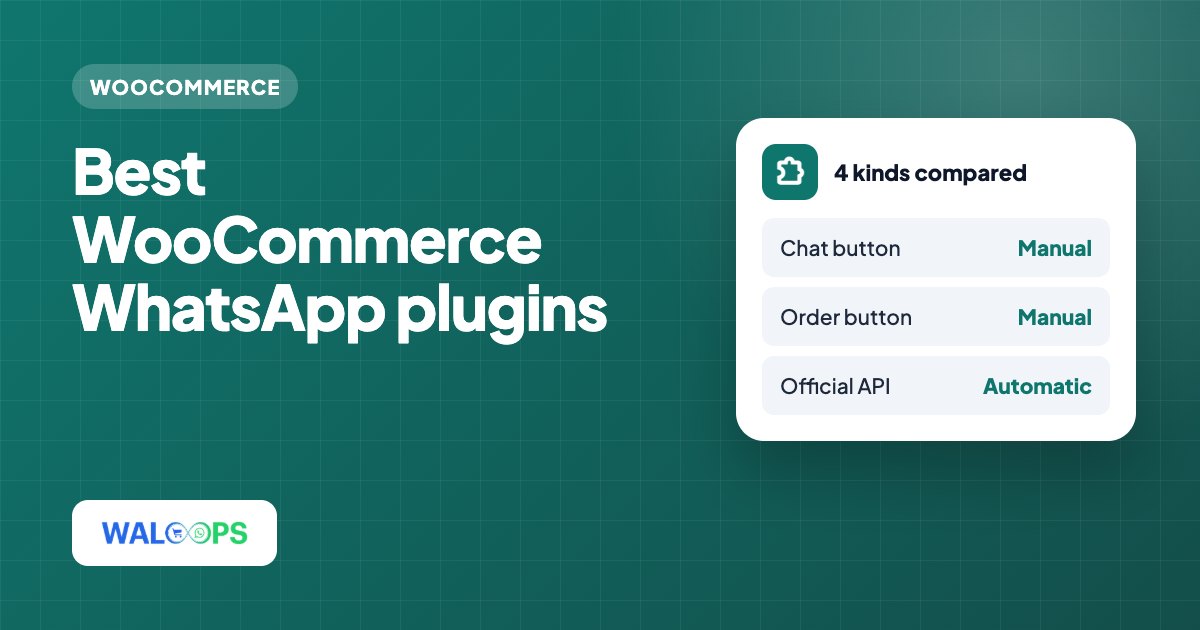
- "WooCommerce WhatsApp plugin" covers four very different things: chat buttons, order-on-WhatsApp buttons, unofficial senders and official WhatsApp Business API platforms.
- Chat and order buttons are free and easy, but they can't send anything automatically.
- Unofficial senders automate a normal WhatsApp account. They're cheap until the number gets banned.
- For automatic order updates, COD confirmation and cart reminders you need the official API. Compare platforms on monthly price, per-message markup and what they do for WooCommerce specifically.
Search the WordPress plugin directory for "WhatsApp" and you'll get hundreds of results. They look similar in the listings, but they solve different problems, and picking the wrong type is the most common mistake. This guide sorts them into four groups, explains what each one can and can't do, and ends with a short way to decide.
1. Chat button plugins
These add a floating WhatsApp button, usually in a corner of every page. Tapping it opens WhatsApp on the shopper's phone with a chat to your number and, often, a pre-filled message. Popular examples in the WordPress directory include Joinchat and Click to Chat.
- Good for: letting shoppers ask a question before they buy.
- Can't do: send anything automatically. Every reply is typed by you, on your own phone or WhatsApp Business app.
- Cost: usually free, with paid add-ons for extra styling and multiple agents.
A chat button is worth having on almost any store. It just isn't an order notification system.
2. "Order on WhatsApp" buttons
These replace or sit next to the Add to Cart button. When the shopper taps it, WhatsApp opens with the product name, price and link already typed out, and the shopper sends it to you. You then take the order in the chat.
- Good for: small catalogues and stores where buyers like to negotiate or ask before paying.
- Can't do: create a real WooCommerce order, take payment, or follow up. The order lives in your chat history until you enter it by hand.
- Watch out for: skipping checkout means no stock update, no invoice and no order record unless you add them yourself.
3. Unofficial WhatsApp senders
Some plugins and services send automatic messages by connecting to a normal WhatsApp or WhatsApp Business app account, usually by scanning a QR code like WhatsApp Web. They promise automatic order messages with no Meta setup and no per-message charge.
- The catch: automating a regular WhatsApp account breaks WhatsApp's terms. Numbers that send many automated messages get restricted or banned, often without warning, and you lose that number's chat history with your customers.
- Also: no message templates, no delivery reports you can rely on, and messages stop whenever the linked phone goes offline.
4. Official WhatsApp Business API platforms
These connect your number to Meta's WhatsApp Business Platform and send approved template messages from your verified business account. This is the only kind of tool that can automatically send order confirmations, shipping updates, COD confirmations and cart reminders at scale without putting your number at risk.
Most platforms connect to WooCommerce through its REST API and webhooks, so there's little or nothing to install on your site. They differ on three things that matter for a store:
- The monthly plan price and how many team members it includes.
- Markup on Meta's message rates. Meta charges ₹0.8631 for a marketing message in India. Some platforms add 10 to 30% on top of every message.
- WooCommerce-specific features: COD confirmation, abandoned cart reminders, OTP at checkout, and how much setup the integration needs.
| Platform | Entry plan (India, monthly) | Marketing message (India) |
|---|---|---|
| WATI | ₹2,999 (Growth) | ₹1.036 |
| Interakt | Free (Starter) | ₹0.97 |
| AiSensy | ₹1,500 (Basic) | ₹1.09 |
| WALoops | Free plugin (100 free messages); ₹999 Starter for the inbox | ₹0.8631 (Meta's rate, no markup) |
Prices are from each platform's public pricing page; see our full WhatsApp platform comparison for sources, team limits and features. Always check the current page before you decide.
Where WALoops fits
WALoops is an official WhatsApp Business API platform with WooCommerce built in. Its free WooCommerce WhatsApp plugin, listed on WordPress.org, connects in one click and sends order confirmations, shipped and delivered updates, COD verification with Confirm/Cancel buttons and abandoned cart reminders. The first 100 messages go out free from the WALoops number, with no Meta developer setup; after that you connect your own number. It also includes a chat button and an Order on WhatsApp button. Two more free plugins sit around it:
- WALoops Express Checkout for WooCommerce: side cart and one-page checkout with WhatsApp OTP login and COD controls.
- WALoops OTP Login: passwordless WhatsApp login and signup for WordPress and WooCommerce.
Already use a chat button plugin? Keep it: leave our chat button off and everything else works alongside it.
How to choose
| If you want to… | Use |
|---|---|
| Let shoppers message you with questions | A chat button plugin |
| Take orders in chat for a small catalogue | An order-on-WhatsApp button |
| Send order confirmations and shipping updates automatically | An official API platform |
| Confirm COD orders before shipping | An official API platform with button replies. See COD verification on WooCommerce |
| Recover abandoned checkouts on WhatsApp | An official API platform plus a cart tracker on your site |
Many stores end up with two: a free chat button for questions and an official API platform for everything automatic. If order updates are your starting point, the WooCommerce WhatsApp order notifications guide walks through which messages to send first.