WooCommerce WhatsApp Order Notifications: Send Order Updates Automatically
How to send WooCommerce order confirmations, shipping and delivery updates to customers on WhatsApp automatically: which events to use, message examples, template approval and cost.
 WALoops team
calendar_month
schedule5 min read
WALoops team
calendar_month
schedule5 min read
In this guide
- WooCommerce only sends order emails. To send WhatsApp order notifications you need the WhatsApp Business API and a tool that listens to WooCommerce's order events.
- Start with four messages: order confirmation, COD confirmation, order completed and order cancelled. Add others only when customers ask about them.
- Order updates are utility messages, about ₹0.115 each in India. Keep them free of promotions so Meta doesn't charge them as marketing.
- With a WooCommerce WhatsApp integration the whole setup takes about 5 minutes and needs no code.
WooCommerce sends an email for every order, but a lot of those emails land in the promotions tab or never get opened. Customers who don't know where their order is message you, call you, or refuse the parcel. WhatsApp order notifications fix that: the update arrives in the app your customers check all day, and they can reply to it if something's wrong. This guide covers which notifications to send, what to write, and how to set them up on a WooCommerce store.
Which WooCommerce events can trigger a WhatsApp message
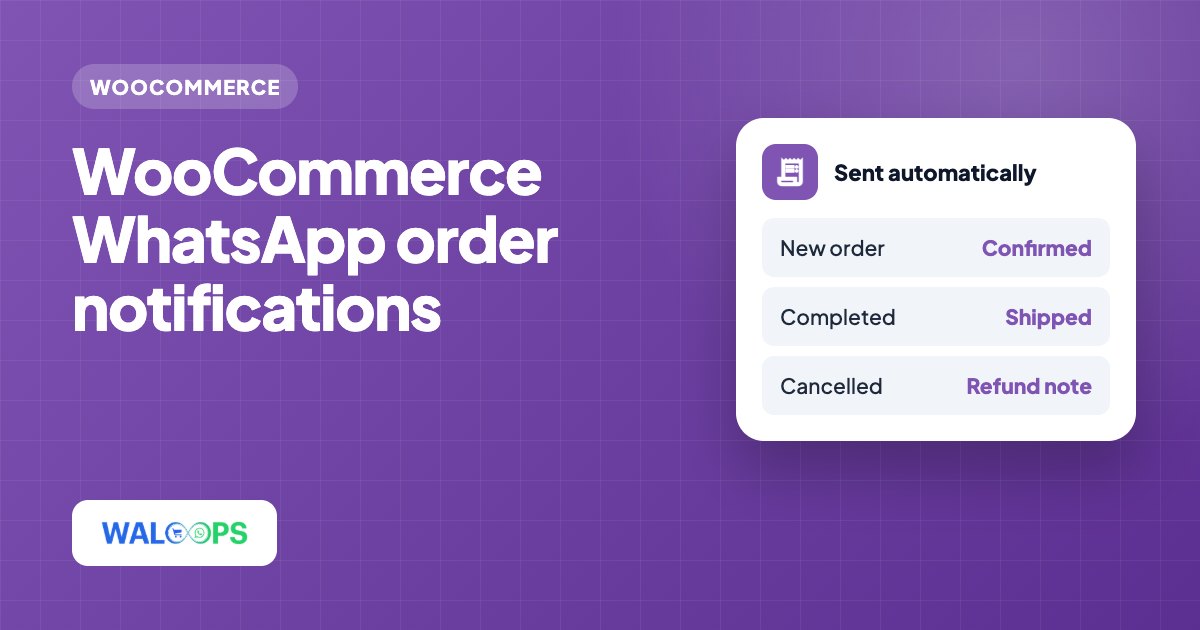
Every WooCommerce order has a status, and WooCommerce fires a webhook each time an order is created or changes. A WhatsApp tool listens for those webhooks and sends the matching message. These are the ones worth using:
| Event in WooCommerce | WhatsApp message | Send it? |
|---|---|---|
| New order (prepaid) | Order confirmation with order number and total | Always |
| New order (Cash on Delivery) | Confirmation with Confirm and Cancel buttons | Always, if you offer COD |
| Status → processing | "We're packing your order" | Optional |
| Status → on hold | "We're waiting for your payment" | If you take bank transfer or UPI collect |
| Status → completed | Shipped or delivered, with tracking if you have it | Always |
| Status → cancelled | Cancellation notice, refund timeline | Always |
| Status → refunded | Refund confirmation | Recommended |
WooCommerce has no separate "shipped" status out of the box. Most stores use completed to mean shipped, or add a custom status with a plugin. Whatever you use, the WhatsApp message should match what actually happened to the parcel.
Message examples you can adapt
Meta has to approve every message you send first, as a template. Keep them short, factual and personal. These examples fit Meta's utility category:
Order confirmation
Cash on Delivery confirmation
Order shipped
Order cancelled
Each {{ }} value, and the name, order number and total, is filled in from the WooCommerce order automatically. The template approval guide covers how to get these approved first time.
Keep order updates in the utility category
Meta charges utility messages much less than marketing ones: about ₹0.115 against ₹0.8631 in India. A template stays utility only if it's about a specific order the customer placed. If you add "Use code SAVE10 on your next order" to a shipping update, Meta can move the whole template to marketing and charge it that way.
Three ways to send WooCommerce order notifications on WhatsApp
- Click-to-chat buttons. Plugins that add a WhatsApp button only open a chat on the shopper's phone. They can't send anything automatically, so they don't help with order updates.
- Unofficial "WhatsApp Web" senders. Some plugins send messages by automating a normal WhatsApp account through WhatsApp Web. It looks free, but it breaks WhatsApp's terms, and stores regularly lose their number to a ban. Avoid them for anything important.
- The official WhatsApp Business API. Messages go through Meta's platform from your verified business number, with approved templates. This is what you want for order updates, and it's what WALoops uses. Our WooCommerce WhatsApp plugin comparison goes through each type in more detail.
How to set it up with WALoops
- Install the free WALoops plugin. In WordPress go to Plugins → Add New Plugin, search for WALoops and install it from WordPress.org. The free WooCommerce WhatsApp plugin guide walks through every step.
- Click Connect under WooCommerce → WhatsApp. Order confirmation (COD and prepaid), shipped and delivered messages switch on straight away, sent from the WALoops number with your first 100 messages free. No Meta developer setup is needed to start.
- Connect your own number when you're ready. Connect it to the WhatsApp Business API from your WALoops dashboard and sending moves over by itself. If you're new to the API, read how to get the WhatsApp Business API. For any other status, add an automation on "Order updated" with a condition like order status equals refunded.
- Place a test order with your own phone number and check each message arrives with the right details.
Your checkout doesn't wait for WhatsApp: the plugin sends each order to WALoops in the background through WooCommerce's Action Scheduler, and retries if it can't get through. Prefer no plugin? A WooCommerce REST API key added in WALoops under Automation → Apps also works for order messages.
Separate COD and prepaid orders
The order's payment method comes with every event, so you can send different messages to Cash on Delivery and prepaid buyers. Use the condition payment method contains "cash on delivery" for the COD message and does not contain for the prepaid one. COD buyers get a message asking them to confirm, which is the single most effective way to cut returned parcels. See WooCommerce COD verification on WhatsApp for the full flow.
Getting the phone number right
WhatsApp needs the number in international format. WooCommerce stores whatever the shopper typed in the billing phone field, which in India is often a 10-digit number with no country code. WALoops adds your default country code when the number has none, but you'll get fewer failed messages if your checkout:
- Makes the phone field required.
- Labels it clearly: "WhatsApp number for order updates".
- Checks the number is real, for example with a WhatsApp OTP at login or checkout.
What it costs
Two costs add up: the tool, and Meta's per-message charge. With WALoops the plugin and the first 100 messages are free; after that you send from your own number at Meta's rate with no WALoops per-message charge. A store sending 4 utility messages per order pays about ₹0.46 per order in India before GST, so 1,000 orders a month comes to roughly ₹460. The WhatsApp Business API pricing guide has the full rate table.