Hospitable WhatsApp Integration: Message Airbnb Guests on WhatsApp
Connect Hospitable to WhatsApp to send booking confirmations, changes and cancellations from your own number, alongside Hospitable's Airbnb messages.
 WALoops team
calendar_month
schedule3 min read
WALoops team
calendar_month
schedule3 min read
In this guide
- Hospitable automates messages inside Airbnb and Vrbo, but not on WhatsApp from your own business number. A WhatsApp Business API platform adds that.
- Setup takes about 15 minutes: create a Personal Access Token in Hospitable, paste it into WALoops, and add one webhook in Hospitable.
- Every new, changed or cancelled reservation can then send the guest a WhatsApp message with their dates, property and total.
- Messages inside Airbnb's own inbox stay with Hospitable. WhatsApp runs alongside it, not instead of it.
Yes. Connect Hospitable to WhatsApp through WALoops by creating a Hospitable Personal Access Token, adding it in WALoops, and registering one reservations webhook in Hospitable; setup takes about 15 minutes. New, changed or cancelled reservations can then trigger WhatsApp messages from your own business number, while Airbnb and Vrbo inbox messages stay with Hospitable.
What do I need to connect Hospitable to WhatsApp?
You need a Hospitable account with API Access, a WhatsApp Business API number, and a WALoops account on a plan with automation apps.
- A Hospitable account with access to Account → API Access.
- A WhatsApp number on the WhatsApp Business API. See the WhatsApp Business API guide if you don't have one yet.
- A WALoops account on a plan with automation apps, which starts with a 7-day free trial.
How do I connect Hospitable to WhatsApp?
To connect Hospitable to WhatsApp, create a Personal Access Token, add it in WALoops, register a reservations webhook, then activate and test an automation.
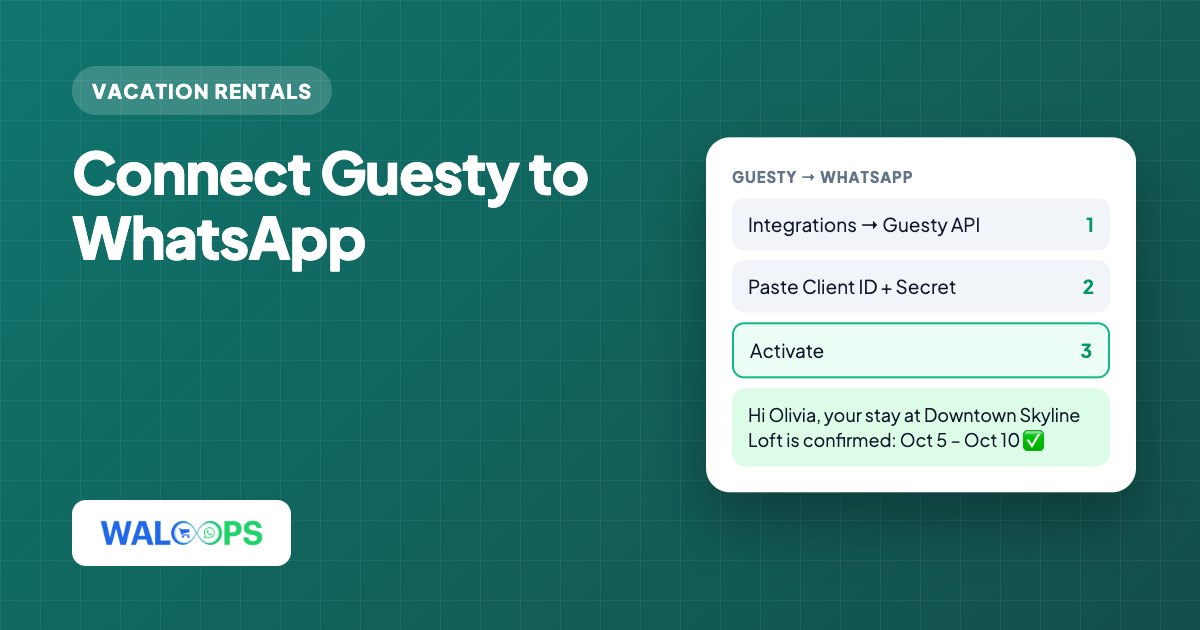
- Create a Personal Access Token. In Hospitable, go to Account → API Access → Personal Access Tokens and create a token. It's shown only once, so copy it straight away.
- Paste it into WALoops under Automation → Apps → Hospitable and save.
- Add the webhook in Hospitable. Copy the webhook URL WALoops shows, then in Hospitable open Apps → Webhooks, add it and select Reservations.
- Click Activate in WALoops.
- Create an automation with Hospitable as the trigger and an approved WhatsApp template as the action, then map the reservation fields into it.
- Test it with a reservation that uses your own phone number.
Each time Hospitable notifies WALoops, WALoops fetches the full reservation with the guest, property and pricing. Your messages always use the latest details, even when a booking has been edited several times.
How are Hospitable and WhatsApp messages different?
Hospitable messages go to the Airbnb or Vrbo inbox, while WALoops sends WhatsApp messages from your own business number.
| Hospitable | WALoops on WhatsApp | |
|---|---|---|
| Where the guest reads it | Airbnb or Vrbo inbox | WhatsApp on their phone |
| Sender | Your Airbnb or Vrbo profile | Your own WhatsApp business number |
| Best for | Scheduled messages around check-in and checkout | Booking-time confirmations, changes, cancellations and live chat |
| Replies handled in | Hospitable | The WALoops shared inbox, with an optional AI agent |
Which WhatsApp messages can I send?
You can send booking confirmations, new-booking alerts, change notices and cancellation notices.
- Booking confirmation when a reservation is created and confirmed.
- New booking alert to your cleaner or co-host, sent to their number instead of the guest's.
- Change notice when the dates or guest count change.
- Cancellation notice to the guest and your team.
Each message is a Meta-approved template. Booking confirmations and cancellations are utility messages; the template approval guide explains how to word them so they stay in that category.
When do Hospitable WhatsApp automations send?
Hospitable WhatsApp automations fire when a reservation is created or updated, and any delay counts from that moment. Messages tied to the check-in date, like door codes the day before arrival, are better left to Hospitable's own scheduler.
Where do guests reply, and can AI answer?
Guest replies land in the WALoops shared inbox, where the AI agent can answer routine questions from answers you write once and pass anything unusual to you.
Plans start at $9.99 a month, with no markup on Meta's message fees. For a summary of the connection, see the Hospitable WhatsApp integration page; for other systems, the vacation rental WhatsApp guide.