WhatsApp Guest Messaging for Vacation Rentals: What to Automate and How
How short-term rental hosts and property managers use WhatsApp with their PMS: which guest messages to automate, example templates, AI answers, team alerts, opt-in and cost.
 WALoops team
calendar_month
schedule5 min read
WALoops team
calendar_month
schedule5 min read
In this guide
- Guests, especially international ones, answer WhatsApp faster than email or OTA inboxes. That makes it the best channel for anything that needs a reply.
- Connect WhatsApp to your property management system (PMS) so each booking sends a confirmation automatically, from your own business number.
- Let an AI agent answer the questions you get every day (WiFi, parking, check-in time) and keep people for the rest.
- Use the official WhatsApp Business API, collect opt-in at booking, and keep confirmations free of promotions so they're billed at the cheaper utility rate.
Short-term rental guests ask a lot of small questions: where to park, how the lockbox works, whether early check-in is possible. Answer them quickly and the stay goes well and the review is good. Answer slowly and the same questions arrive again, on three channels, at 11 pm. WhatsApp won't remove the questions, but it puts them in one place guests actually use, and most of it can be automated from your PMS.
Why WhatsApp works for guest communication
- Guests already have it. For travellers from Europe, Latin America, the Middle East and Asia, WhatsApp is the default way to message anyone, including a host.
- It gets read. Booking confirmations by email often land in promotions or spam. A WhatsApp message shows up on the lock screen.
- It's a two-way conversation. Guests can reply, send a photo of a problem, or share their arrival time, and your team sees it all in one thread.
- It survives the OTA. A guest who booked through Airbnb or Booking.com and chatted with you on WhatsApp has a direct line to you next time.
Which guest messages to automate
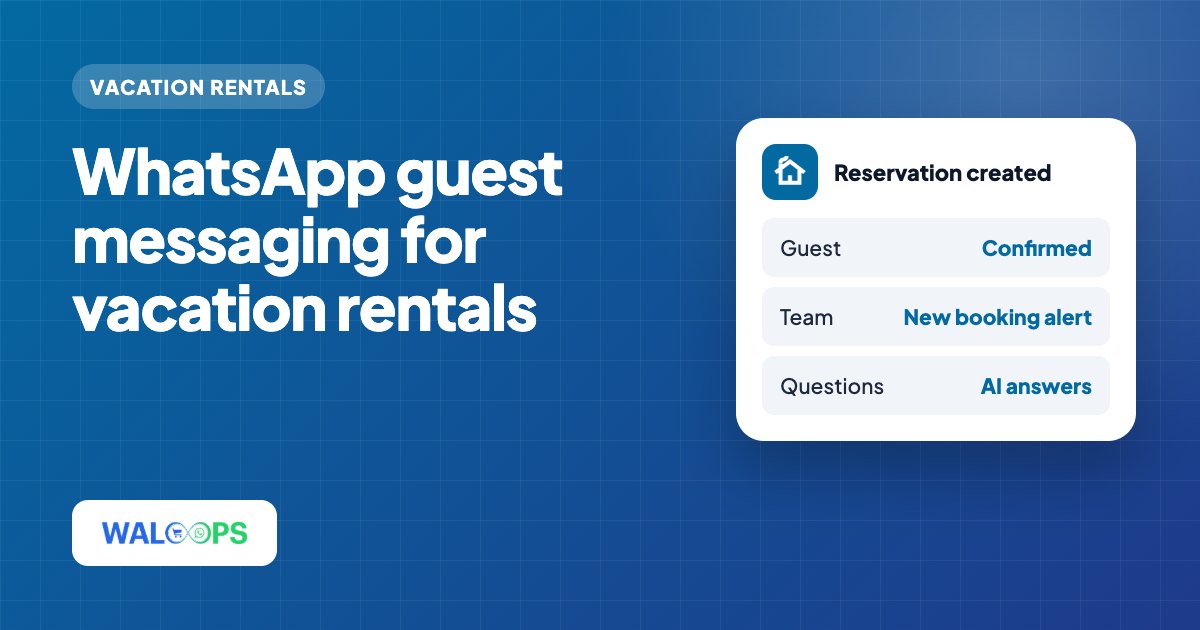
Start with the messages triggered by the booking itself. Your PMS fires an event when a reservation is created or changed, and a WhatsApp tool turns that event into a message.
| When | Message | Category |
|---|---|---|
| Reservation created | Booking confirmation: property, dates, nights, guests, total | Utility |
| Reservation changed | New dates or guest count confirmed | Utility |
| Reservation cancelled | Cancellation notice and refund policy | Utility |
| Reservation created (to your team) | New booking alert to a cleaner, co-host or owner | Utility |
| After the stay | Review request or "book direct next time" offer | Marketing |
Messages tied to the check-in date, such as door codes two days before arrival, are usually best left to your PMS's own scheduler, which already knows the arrival date. Use WhatsApp for the confirmation, the conversation and the follow-up.
Example messages
Booking confirmation
Cancellation
New booking alert for your team
Every value here is filled in from the reservation. The template approval guide explains how to get templates like these approved by Meta.
Let an AI agent answer routine questions
Most guest questions repeat: WiFi password, parking, check-in and checkout times, where the towels are, whether pets are allowed. An AI agent trained on your house rules and property notes can answer these instantly, day or night, and hand anything unusual to a person in your shared inbox.
Two rules keep it safe:
- Only let it answer from your own information. If the answer isn't in your property notes, it should say so and pass the chat to your team.
- Keep people for money and problems. Refunds, damage, complaints and anything urgent should always go to a human.
Connecting WhatsApp to your PMS
The setup is similar for every major PMS. You connect a WhatsApp number to the official WhatsApp Business API, then give the WhatsApp platform API access to your PMS so it can receive reservation events. The details differ by platform:
- Guesty WhatsApp integration: Guesty is built for property managers running dozens or hundreds of units across Airbnb, Vrbo, Booking.com and their own direct booking site.
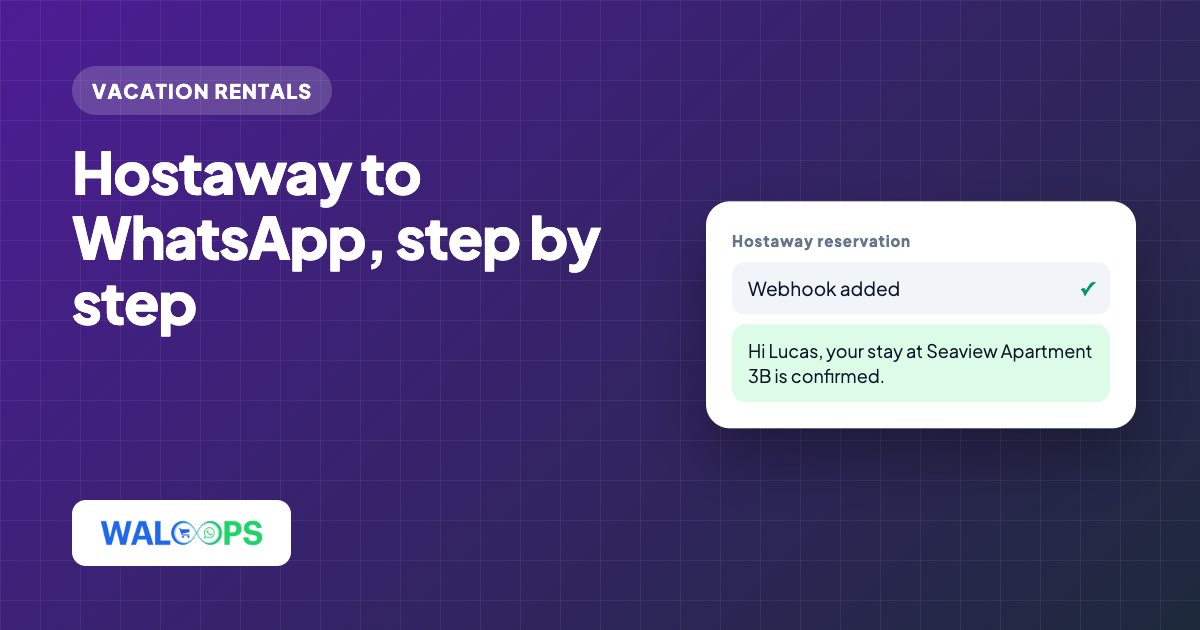
- Hostaway WhatsApp integration: Hostaway is a favourite with growing short-term rental companies that manage their channels, calendars and guest communication from one dashboard.
- OwnerRez WhatsApp integration: OwnerRez is popular with owner-operators and small management companies, especially in the US, who want deep control over their own direct bookings.
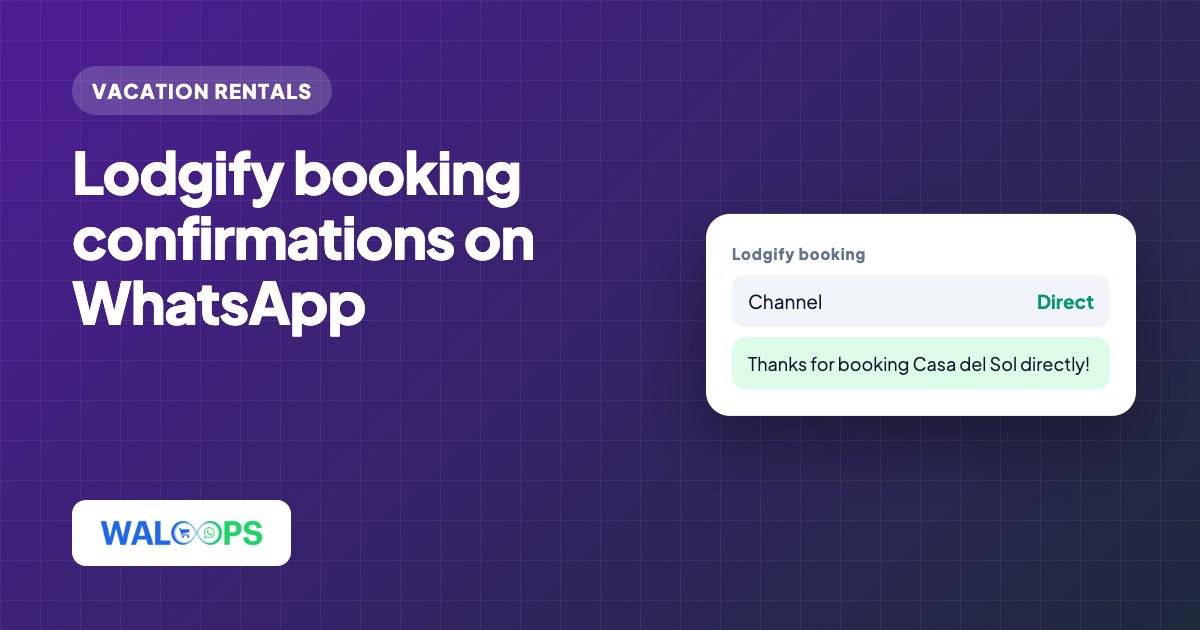
- Lodgify WhatsApp integration: Lodgify suits independent hosts and small vacation rental businesses that run their own booking website alongside Airbnb and Booking.com.
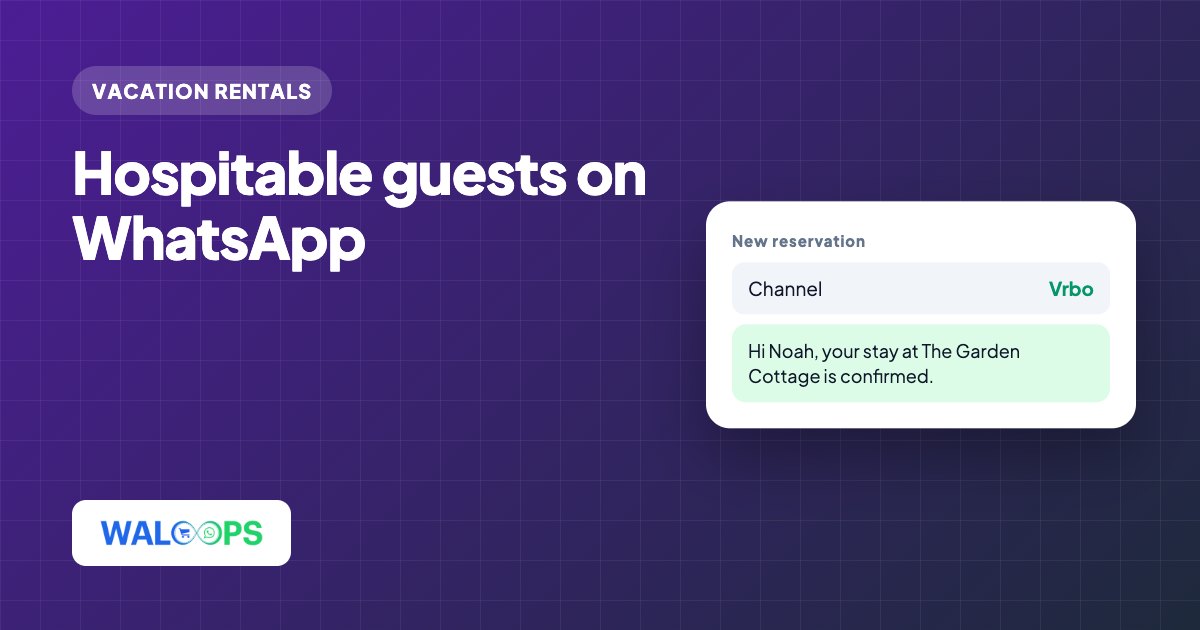
- Hospitable WhatsApp integration: Hospitable is widely used by Airbnb and Vrbo hosts who want their guest communication automated from the first booking.
- Hostfully WhatsApp integration: Hostfully is used by professional property managers who pair its PMS with digital guidebooks for their guests.
Platforms like WALoops connect through each PMS's own API, so a single automation covers Airbnb, Vrbo, Booking.com and direct bookings, because the PMS has already brought them together.
Opt-in and phone numbers
WhatsApp requires that guests agree to receive messages from your business. The simplest way is to say so at booking: a line in your booking terms or confirmation email such as "We'll send your booking details and stay information on WhatsApp."
You also need the guest's real phone number. Direct bookings and most PMS-managed reservations include one. Some booking channels share only a masked number or none, and in that case a WhatsApp message can't be sent. Asking for a WhatsApp number in your direct booking form fixes this for your most valuable guests.
What it costs
Meta charges per message, and the rate depends on the guest's country. Booking confirmations, changes and cancellations are utility messages, the cheaper category. Review requests and "book direct" offers are marketing, which costs more and needs extra care with opt-in. Replies inside an open conversation fall under Meta's service rules. WALoops includes PMS integrations from the Starter plan and passes Meta's rates on without markup; the AI agent is on Premium. See pricing.