OwnerRez WhatsApp Integration: Send Booking Messages from Your Own Number
Connect OwnerRez to WhatsApp with a Personal Access Token to send booking confirmations, changes and cancellations to guests from your own number.
 WALoops team
calendar_month
schedule5 min read
WALoops team
calendar_month
schedule5 min read
In this guide
- What do I need to connect OwnerRez to WhatsApp?
- How do I connect OwnerRez to WhatsApp?
- Which OwnerRez fields can I use in WhatsApp messages?
- What should my OwnerRez WhatsApp booking confirmation say?
- Which OwnerRez events can I automate on WhatsApp?
- When do OwnerRez WhatsApp automations send?
- Does WALoops replace OwnerRez emails and texts?
- Where do OwnerRez WhatsApp replies go?
- OwnerRez doesn't send WhatsApp messages from your business number on its own. You connect it to a WhatsApp Business API platform with an OwnerRez Personal Access Token.
- Setup takes about 10 minutes: enter your OwnerRez account email and token in WALoops and click Activate. WALoops registers the booking webhook itself.
- New, changed and deleted bookings can each send the guest a WhatsApp message from your own number.
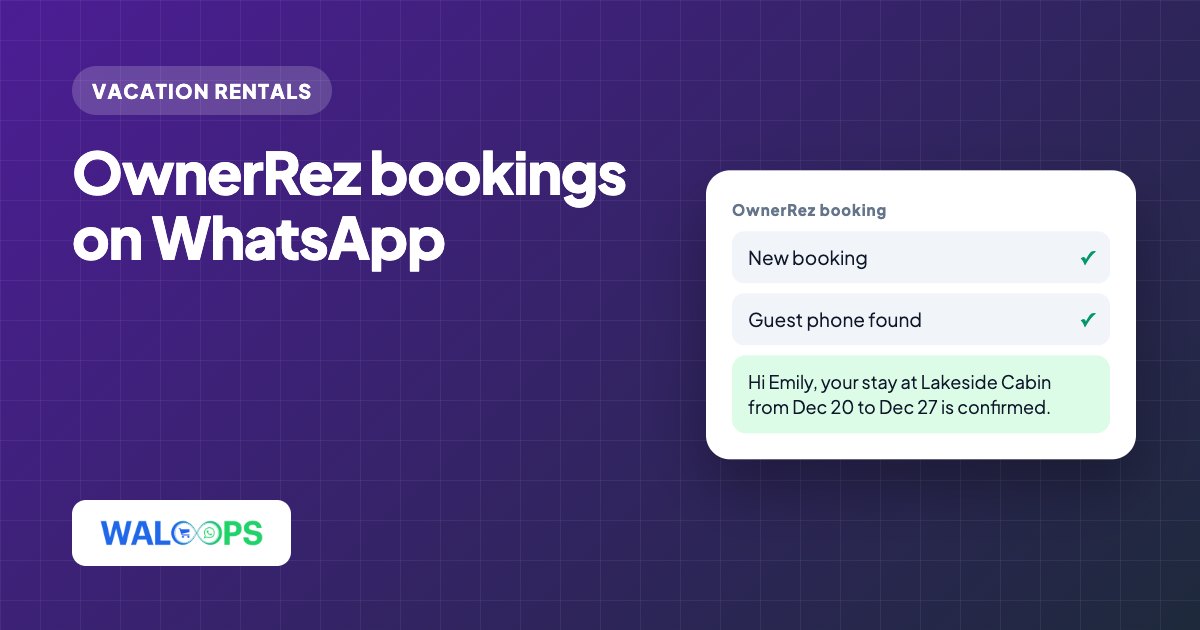
- OwnerRez doesn't include the guest's phone number in its booking event, so WALoops looks up the guest record to find it. Keep a phone number on every guest.
Yes. OwnerRez can send booking-triggered WhatsApp messages through WALoops after you connect an OwnerRez Personal Access Token and account email. Setup takes about 10 minutes; WALoops registers the booking webhook for new, changed and deleted bookings, then sends messages from your own WhatsApp Business number.
What do I need to connect OwnerRez to WhatsApp?
You need an OwnerRez Personal Access Token, your account email, a WhatsApp Business API number and a WALoops account on a plan with automation apps.
- An OwnerRez Personal Access Token, created under Settings → API → Personal Access Tokens.
- The email address of your OwnerRez account. OwnerRez's API uses the email and the token together to log in.
- A WhatsApp number on the WhatsApp Business API; see the WhatsApp Business API guide.
- A WALoops account on a plan with automation apps, with a 7-day free trial.
How do I connect OwnerRez to WhatsApp?
Connect OwnerRez to WhatsApp by adding your account email and Personal Access Token in WALoops, activating the app and creating an automation.
- Create a Personal Access Token in OwnerRez under Settings → API → Personal Access Tokens. Copy it somewhere safe.
- Open WALoops and go to Automation → Apps → OwnerRez.
- Enter your OwnerRez account email and the token, then save. WALoops checks them against the OwnerRez API straight away, so a typo shows up here rather than on your first booking.
- Click Activate. WALoops registers one webhook on your OwnerRez account. It covers new, changed and deleted bookings.
- Create an automation with OwnerRez as the trigger and an approved WhatsApp template as the action, then map the booking fields into the template.
- Test it with a booking for a guest record that has your own phone number.
Which OwnerRez fields can I use in WhatsApp messages?
You can use guest, booking and property fields in WALoops WhatsApp messages.
| Group | Fields |
|---|---|
| Guest | Full name, first name, last name, phone, email |
| Booking | Booking ID, status, arrival, departure, nights, number of guests, total, currency, listing site |
| Property | Property name |
Nights are worked out from the arrival and departure dates, and the guest count adds adults and children. The listing site tells you whether the booking came direct or through a channel, which is useful as a condition: send direct guests a link to your own website for their next stay, and keep channel guests to a plain confirmation.
What should my OwnerRez WhatsApp booking confirmation say?
A good OwnerRez WhatsApp booking confirmation is short, includes the dates and total, and invites a reply:
The template is approved by Meta once, and each booking fills in the guest name, property, dates and total. Confirmations, changes and cancellations are utility templates, which cost less than marketing ones. The template approval guide explains how to word them so they stay in that category.
Which OwnerRez events can I automate on WhatsApp?
You can automate WhatsApp messages for new, changed and deleted bookings, as well as alerts to your team when a new booking arrives.
| Event | Message |
|---|---|
| New booking | Confirmation to the guest with dates and total |
| New booking | Alert to your cleaner, co-host or owner on their own WhatsApp |
| Booking changed | New dates or guest count |
| Booking deleted or cancelled | Cancellation notice to the guest and the team |
A deleted booking in OwnerRez reaches WALoops as a booking update with its new status. So a cancellation message is an update automation with a condition on the status, the same way it works for a cancelled booking.
When do OwnerRez WhatsApp automations send?
OwnerRez WhatsApp automations send when a booking is created or updated, and any delay counts from that moment. That makes them a good fit for confirmations, change alerts and team notifications. For messages tied to the arrival date, such as door codes on check-in day, keep using OwnerRez's own scheduled messages, and use WhatsApp for booking-time messages and conversations.
Does WALoops replace OwnerRez emails and texts?
No, WALoops doesn't replace OwnerRez's emails or texts; they keep working exactly as before. Guests also get a WhatsApp message from your own business number, and when they reply, the reply lands in a shared inbox instead of someone's personal phone.
- Keep in OwnerRez: quotes, payment requests, rental agreements and arrival-date messages.
- Send on WhatsApp: the booking confirmation, booking changes, cancellations and team alerts.
- Answer on WhatsApp: guest questions before and during the stay, while the guest is writing to you.
Where do OwnerRez WhatsApp replies go?
OwnerRez WhatsApp replies go to the WALoops shared inbox, where everyone answers from the same number and can see who replied last. The AI agent can handle routine questions such as parking, Wi-Fi or early check-in requests from the answers you give it. Plans start at $9.99 a month with no markup on Meta's fees. For a summary of the integration, see the OwnerRez WhatsApp integration page, or the vacation rental messaging guide for what to automate across your whole operation.